

Subscribe
Be the first one to know saramonic latest products, newest sponsorships, and event invites. Subscribe today.
In the world of consumer audio, "automatic" is king. Features like Automatic Gain Control (AGC) and built-in limiters are standard in phones and entry-level gear. They act as a tireless guardian, constantly preventing signal clipping and ensuring the material is "usable"—a victory for user-friendliness and fail-safe design.
However, for professional audio practitioners (film sound mixers, high-end podcasters, ENG journalists), "usable" is not enough. They actively seek manual control over the Limiter function.
The Core Transition: The difference lies in how a signal's millisecond-long peak transients are handled. Manual control grants the user final jurisdiction over dynamic protection, allowing them to decide when to engage safety and when to fully unleash the sound's original potential.
Key Question: So, when should you flip the manual Limiter ON, and when should you leave it OFF? Why is this superior to an auto-mode?
Professional audio equipment integrates this manual switch with sophisticated tools like the Safety Track and Low-cut Filter, forming a comprehensive system that guarantees quality and dynamic control.
The value of the manual limiter lies in its simplicity: a clear binary choice representing two different recording philosophies.
Pro Insight: Many professional microphones only offer ON/OFF limiting because the threshold must be precisely matched to the preamp and circuitry. User adjustment could lead to unpredictable degradation. The manufacturer's pre-set threshold offers the most reliable protection.
The goal is clear: preserve the original, full dynamic range and defer all processing decisions to the post-production workflow.
Sound Mixer's Rule of Thumb: Never perform a "post-production optimization" during initial recording. If your goal is pristine quality and flexibility, keep the limiter bypassed. Processing artifacts are irreversible.

The true power of manual limiting is how it works in concert with other professional tools.
In noisy environments (e.g., street interviews), sound recordists often increase the gain to improve vocal clarity, which heightens the risk of unexpected peaks.
Environmental low-frequency noise (wind, HVAC rumble, traffic) is a major threat.
Pro Experience Rule: Minimizing low-frequency interference with dynamic processing. Using the low-cut filter prevents noise from erroneously triggering the limiter, resulting in smoother and more transparent limiting action when protection is needed.
Even when choosing "Limiter OFF" for maximum dynamics, professional equipment offers a final layer of insurance—the Safety Track. This is essential for professionals who need to maximize dynamic capture while guaranteeing material remains salvageable.
The Safety Track is the ultimate defense, allowing professionals to balance the pursuit of extreme dynamics with absolute security.
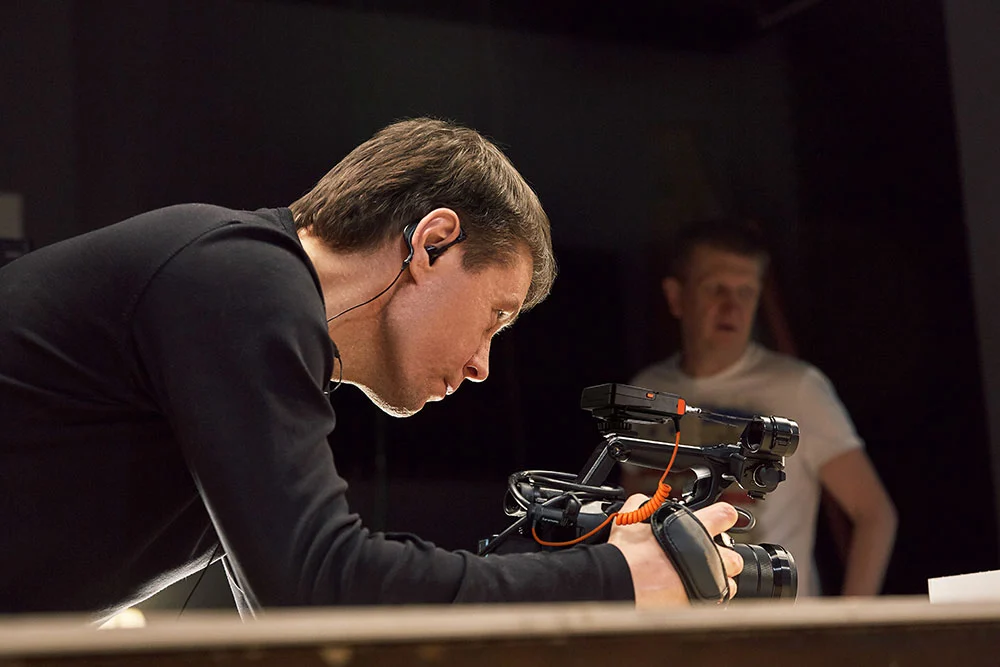
Let's use a table to see more clearly the professional decision-making in different scenarios:
| Scenario | Core Need | Recommendation | Rationale |
|---|---|---|---|
| Film/Short Film Production Sound | Maximize original dynamics for detailed post-production | Limiter OFF + Safety Track | Preserves every subtle detail of performance, offering the mixing engineer maximum creative latitude. |
| Noisy ENG Run-and-Gun Interview | High gain needed; clean audio without clipping required | Limiter ON + Low Cut | Protection from loud, unexpected noise + Low-Cut to ensure only valid signal peaks trigger the limiter. |
| High-Dynamic Interview/Outdoor Live Broadcast | Prevent sudden clipping; ensure material is immediately usable | Limiter ON + Safety Track | Engages immediate protection against unpredictable external factors. Safety Track provides double security. |
| Broadcast/Single-Track Podcast | Achieve consistent loudness, minimize post-production work | Limiter ON | Ensures vocal peaks are consistently locked within a safe range, delivering stable, full-sounding audio with minimal compression needed later. |
| Classical/Acoustic Music Recording | Capture wide dynamics; range is key to artistic expression | Limiter OFF | The equipment should not make artistic decisions for the composer/performer; pursue maximum fidelity. |
The manual limiter switch gives the creator a crisp strategic choice: "In this moment, do I prioritize protection, or absolute dynamic fidelity?"
The combination of manual limiting, precise gain control, switchable low-cut filters, and the indispensable Safety Track places both the control and the safety guarantee squarely in the user's hands. Choosing the right professional wireless microphone from Saramonic with these features is key to achieving this control.
True professionalism isn't about the gear doing the work for you—it's about the gear empowering you to make the best decision when it matters most.
One-Sentence Takeaway: Limiting is risk management, not sound optimization. Knowing when to turn it OFF is far more professional than knowing when to turn it ON.
To learn more about the latest news from Saramonic, join in our official social media: Facebook, Youtube, Instagram, X, Facebook Group.
A: Both are dynamic processors, but they differ in purpose and intensity.
A: Not necessarily. 24-bit offers ∼144 dB of dynamic range. If recording in a controlled setting (e.g., a quiet booth) with conservative gain staging, bypass the limiter for quality. However, in high-dynamic, uncontrolled outdoor environments, even with 24-bit, engaging the limiter alongside the Safety Track is recommended to manage peak transients.
A: This is normal and often desirable. It indicates you've recorded the raw dynamic range. Professional workflows prioritize generous Headroom by keeping peak transients between -12 dBFS and -6 dBFS. The small, clean waveform will be safely amplified (Normalized) and processed in post-production. A small waveform is always salvageable; a clipped waveform is not.
.jpg)