


Saramonic K9 is now available — a UHF Wireless Audio System for filmmakers. Buy Now
Don’t miss out—visit our online store now for the best products! Learn More
Back
Choose your country or region
EspañolEspañol DeutschDeutsch 简体中文简体中文
Inquiry

Saramonic WiTalk Base

Wireless Intercom Base Station

Engineered for Big-Scale Control.

Watch Full Video
Saramonic WiTalk Base Scalable to 64 Users
16-Person System
Scalable to 64 Users
Saramonic WiTalk Base 8 Talk Groups
8 Talk Groups
Assign by Role
Saramonic WiTalk Base
Up to 700m
Reliable Range
Remote Intercom
Cross‑Region Collaboration
Saramonic WiTalk Base Universal Compatibility
Analog 4-Wire
Universal Compatibility
Saramonic WiTalk Base APP
Saramonic System Web/App
Centralized Control
Scalability

Scale to
Big Productions

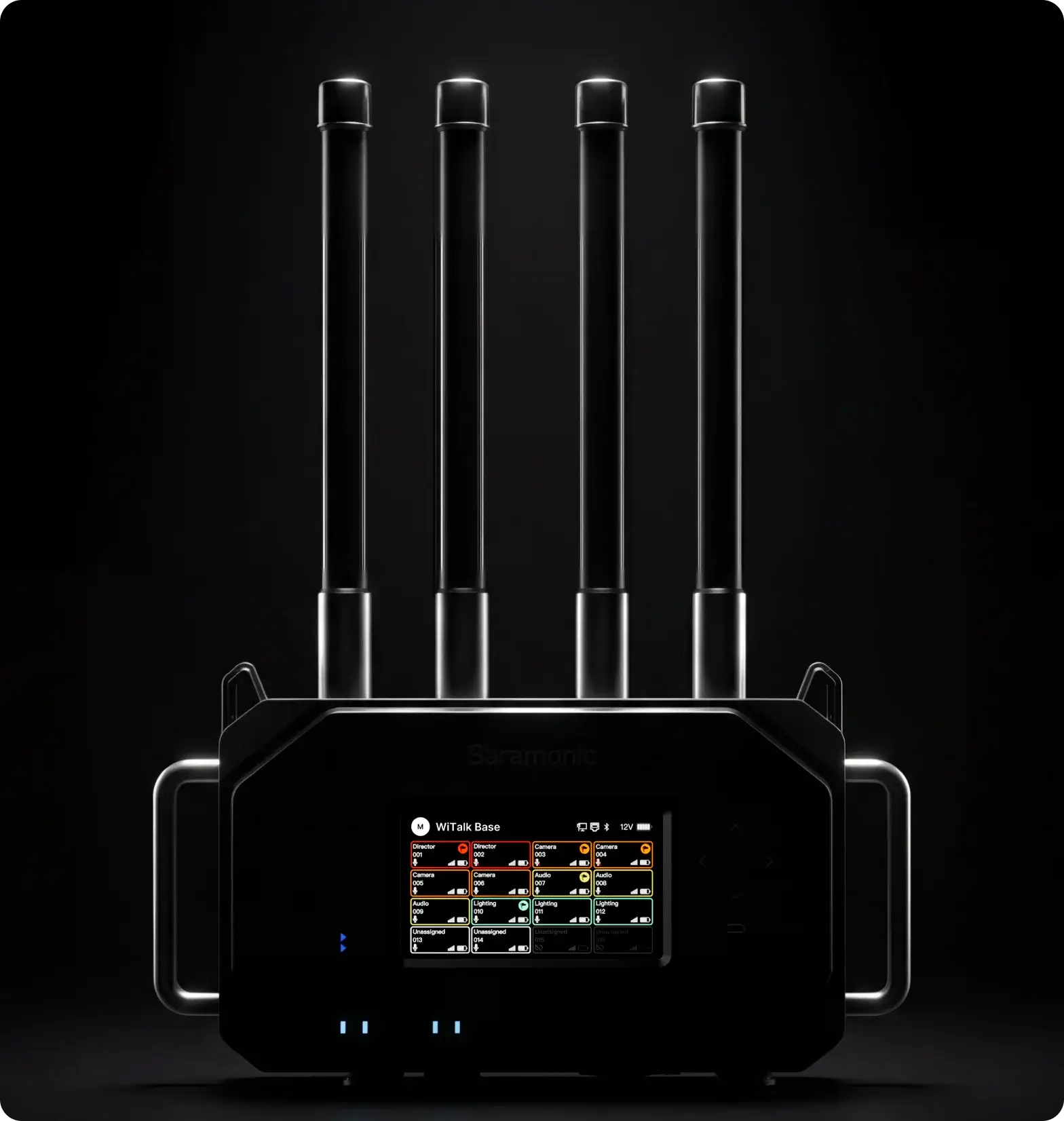
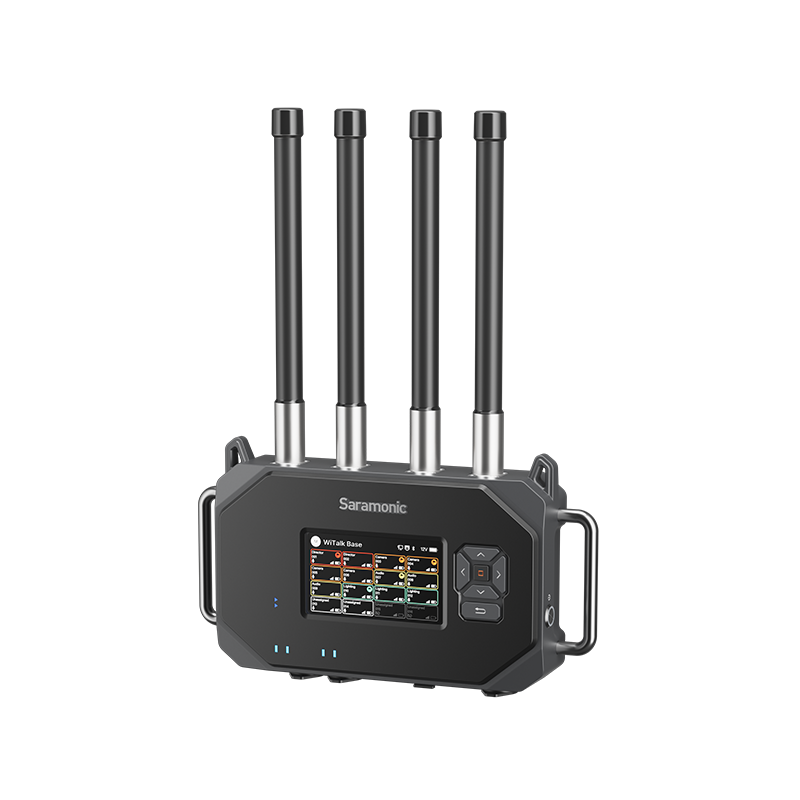
As the central hub of the Saramonic WiTalk ecosystem, WiTalk Base delivers reliable, scalable coordination. Whether you have a small crew or a big-stage team, it keeps everyone connected.
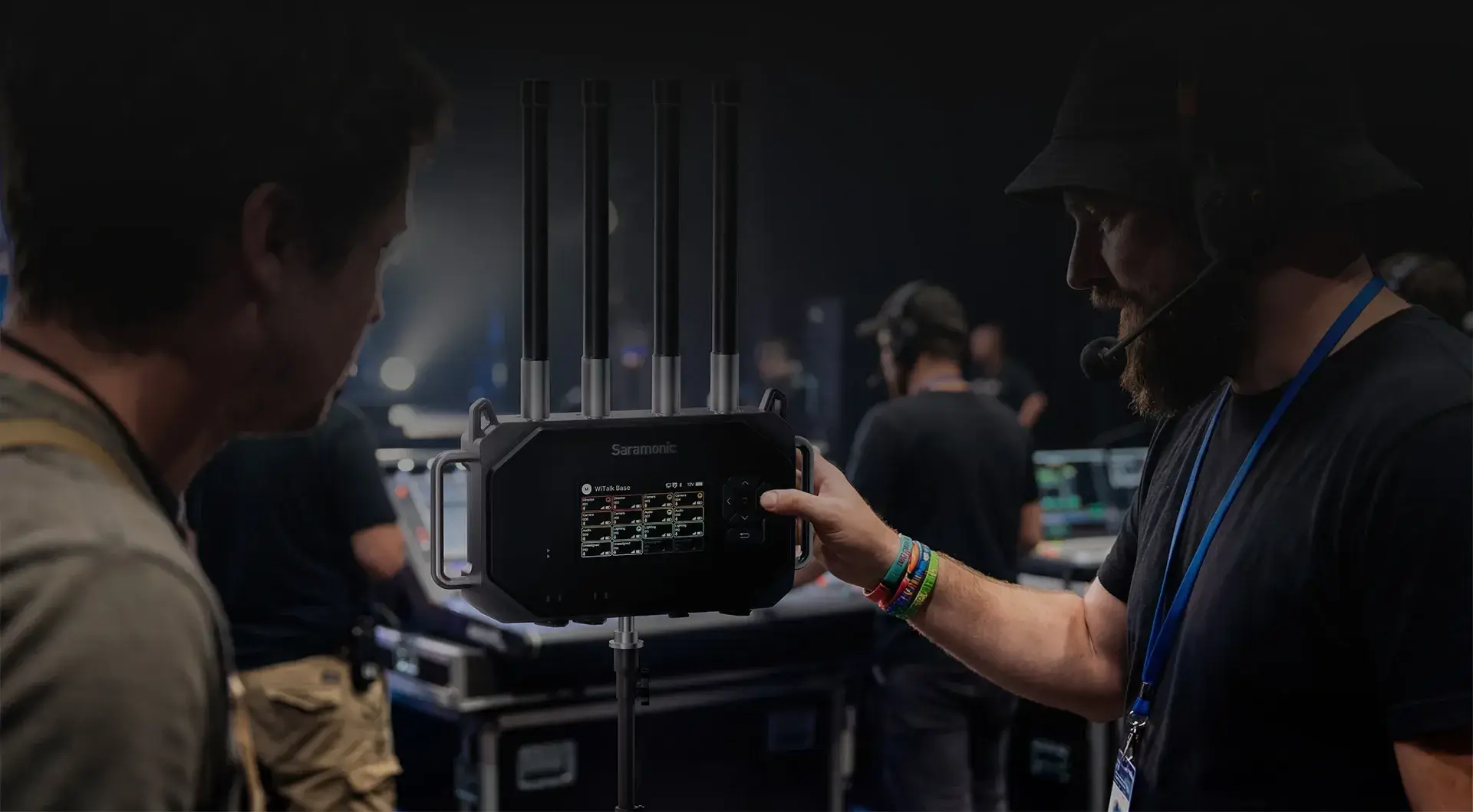
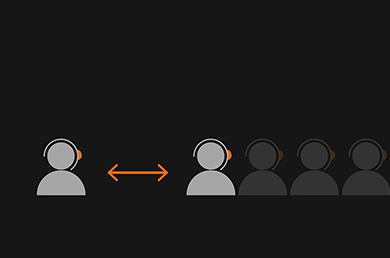
One base supports up to 16 full-duplex headsets, ideal for mid-sized productions.

Linking up to four bases expands the system to 64 users for larger crews. It also supports fiber connectivity via media converters, which extends the range up to one kilometer.

Headsets automatically switch to the strongest base signal as crew move between coverage zones, with no manual reconnection needed.


16‑Person Capacity
Scalable to 64 Users
Roaming & Handover
Grouping

Hear Only
What Matters

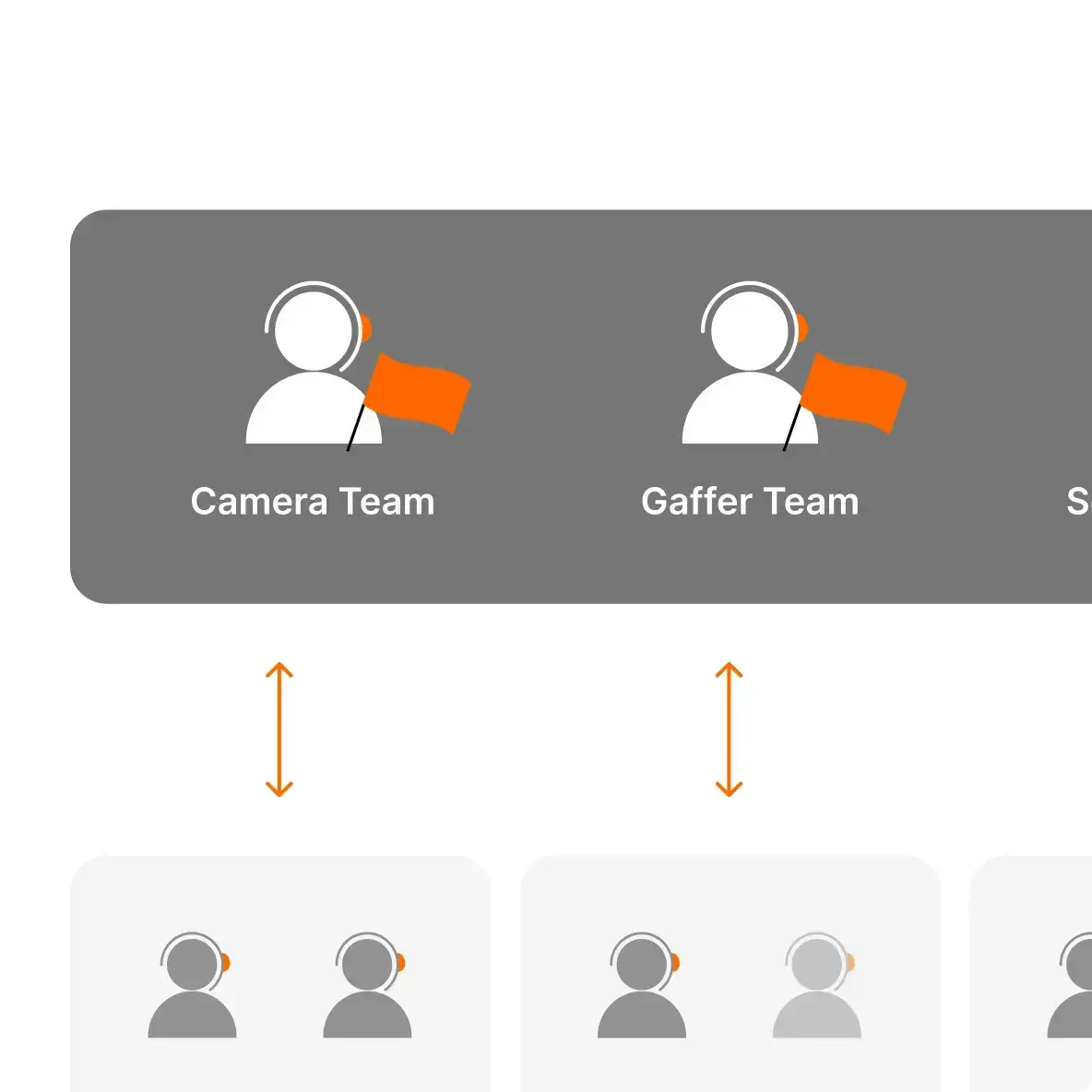
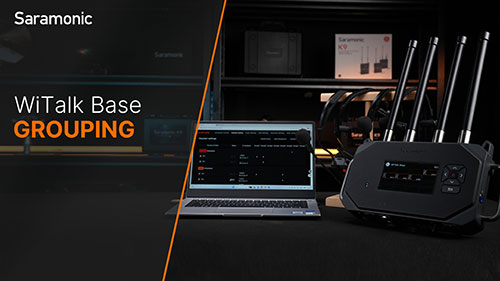
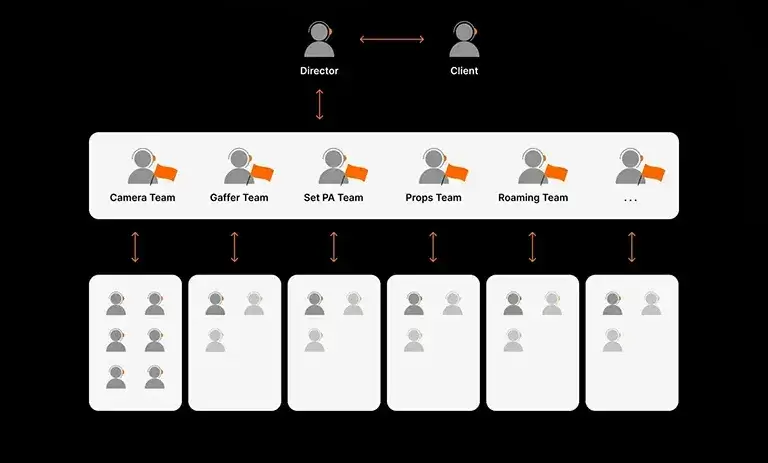
WiTalk Base enables role-based grouping with up to 8 independent small teams, keeping communication clear and organized across departments. Each user can join and hear two groups at once and switch which group they speak into, enabling flexible coordination without cross-talk. A dedicated leader channel allows key roles to stay connected across groups for efficient, tiered command flow.
Quick Group Configuration
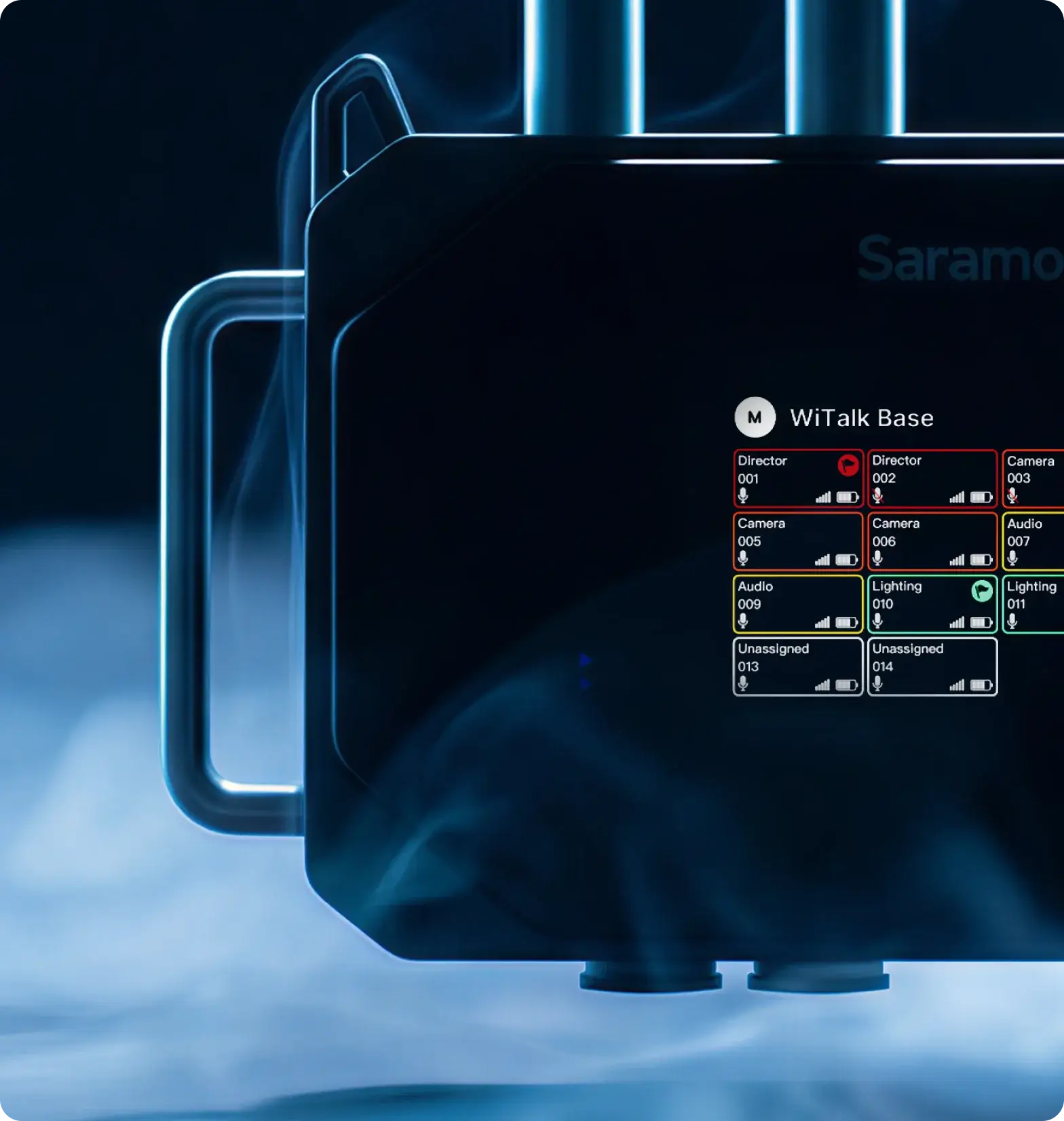
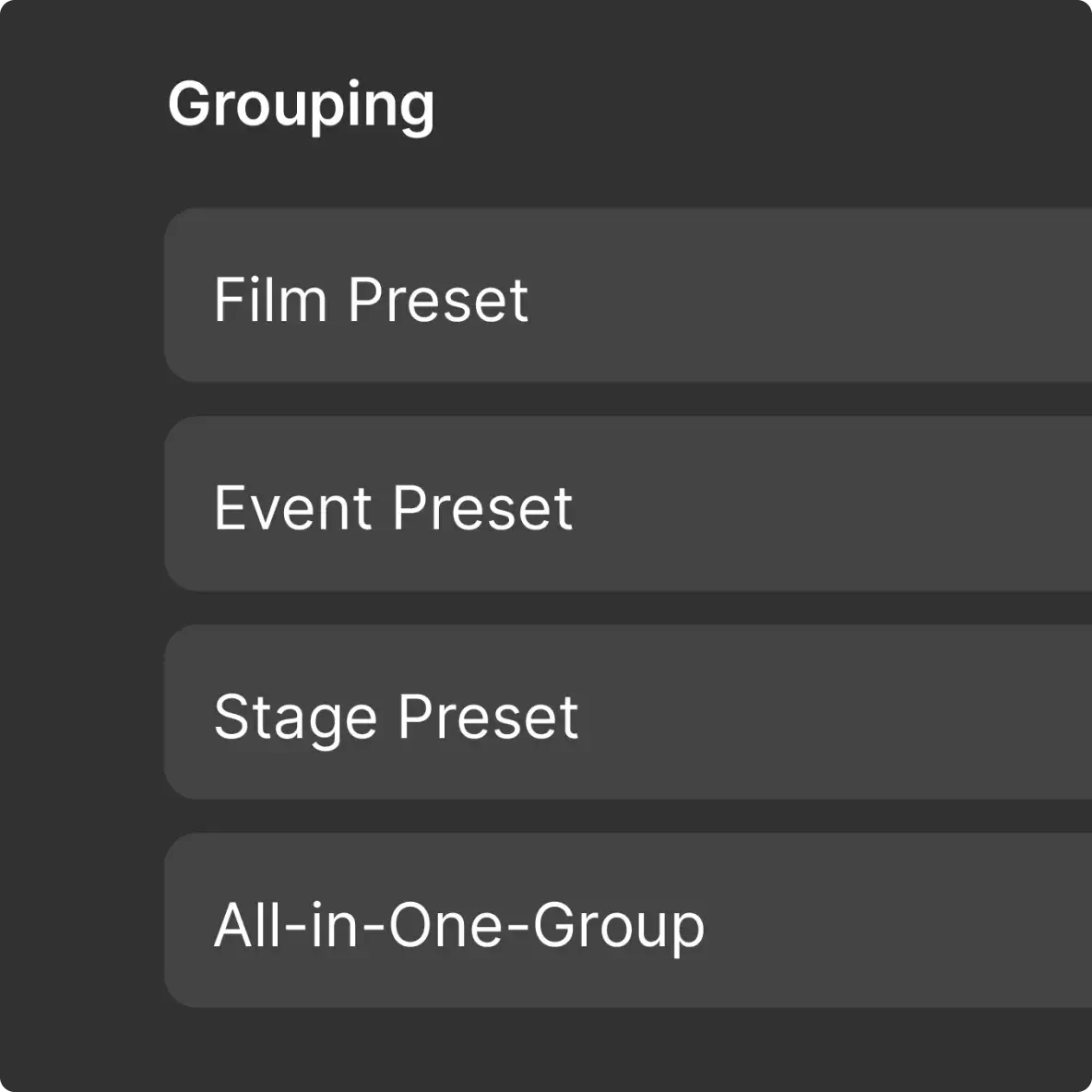
Choose from 3 presets (Film/Event/Stage) or create custom groups with editable names and color tags for visual identification on the WiTalk Base display.
Group Switching with Audio Prompts
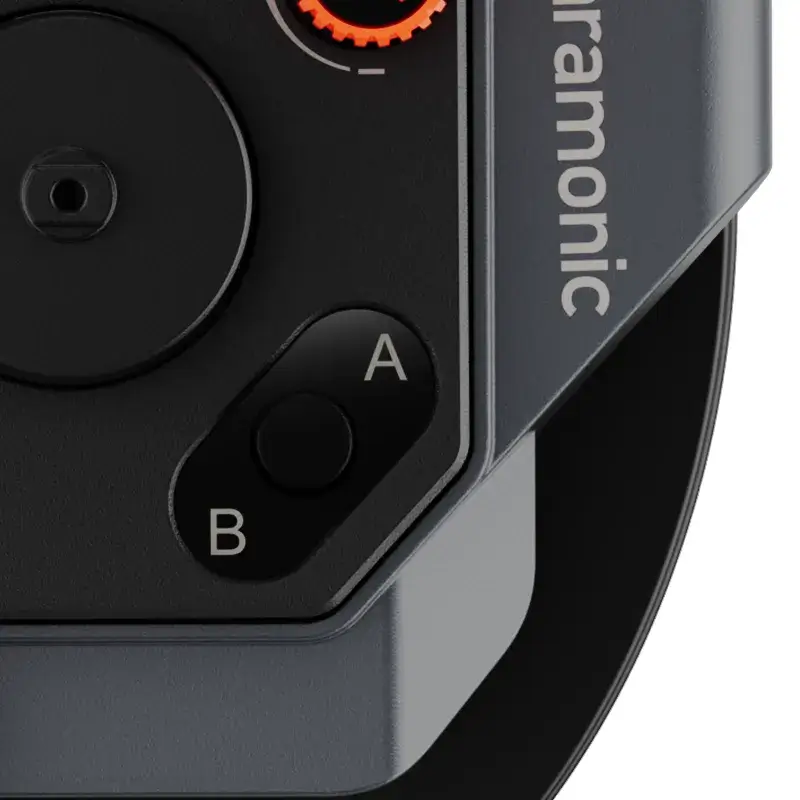
Press the A/B button on the WiTalk9 or WiTalk9 X headset to switch groups. Audio prompts confirms "Team A" or "Team B". For quick headset identification, press mute and power to see your number and group flash on the Base screen.
Leader-Only Channel
The leader's A channel is fixed to the Leader Group, while B channel can switch to any role group. Regular members cannot access the Leader Group.
Range

Groundbreaking
Reach

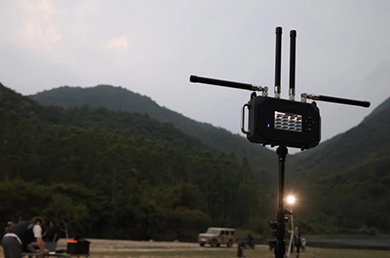
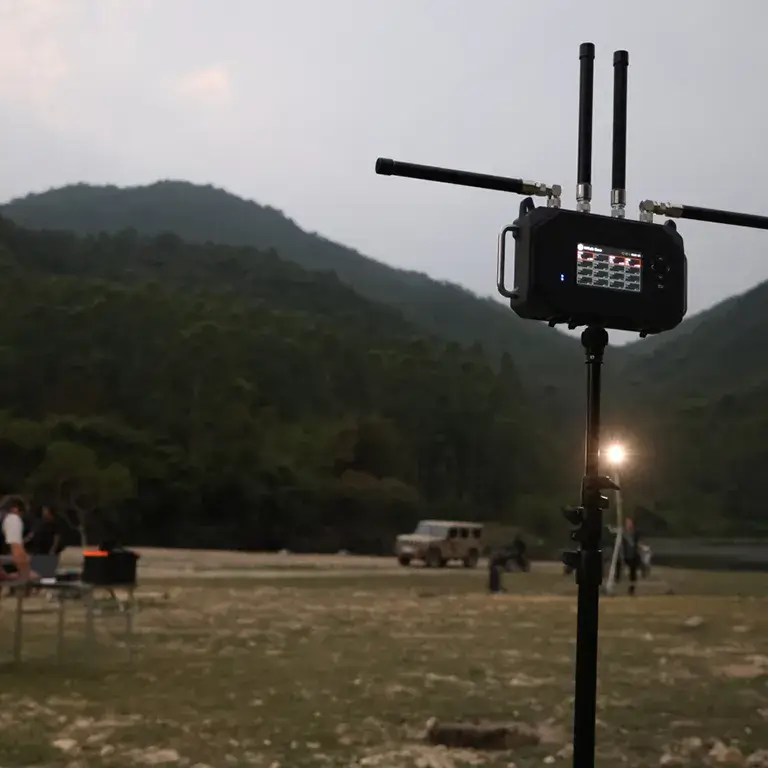
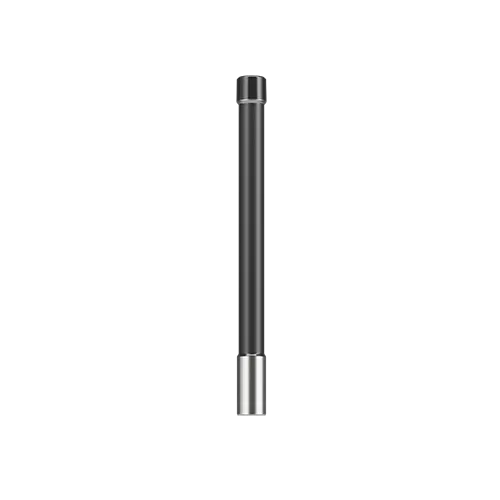
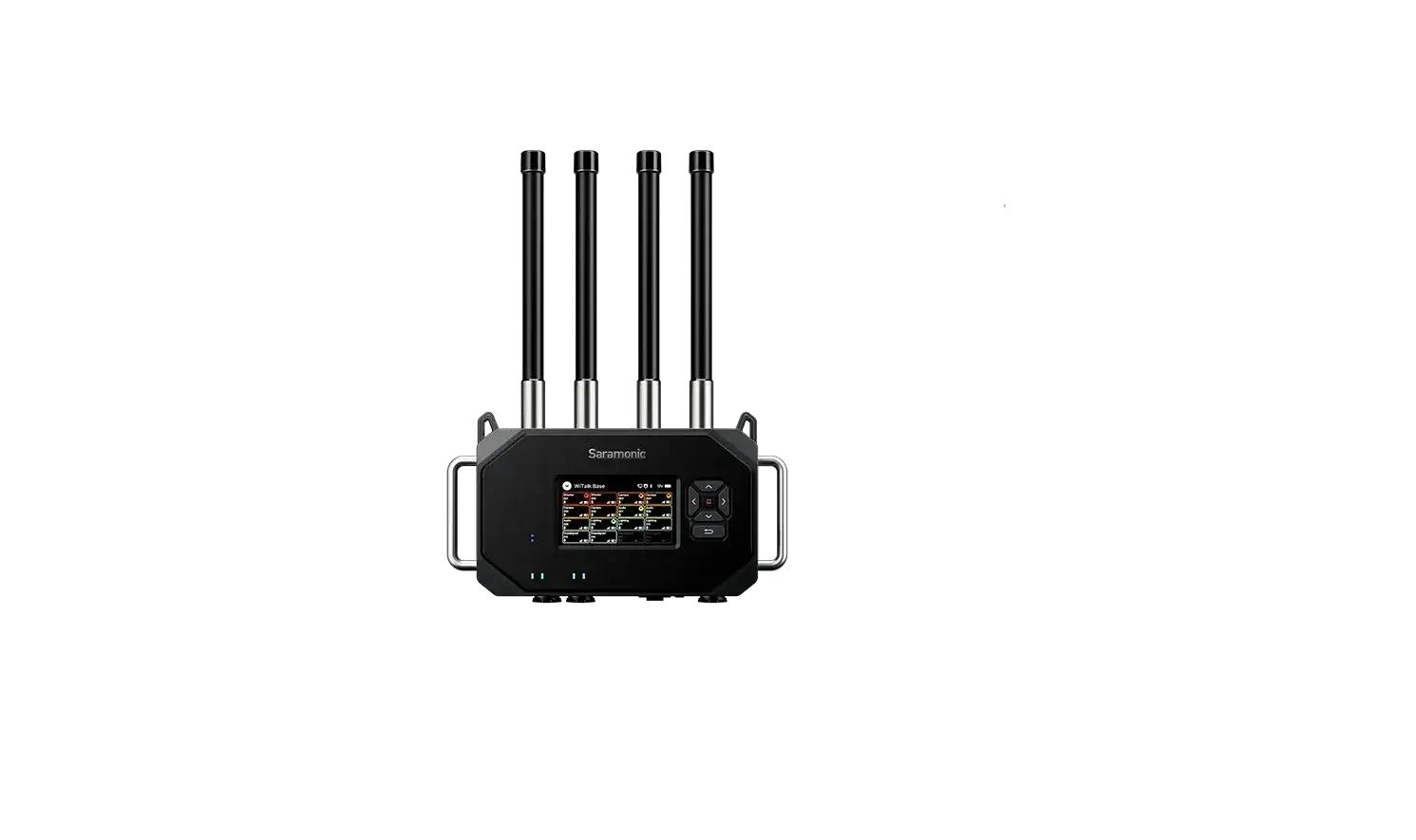
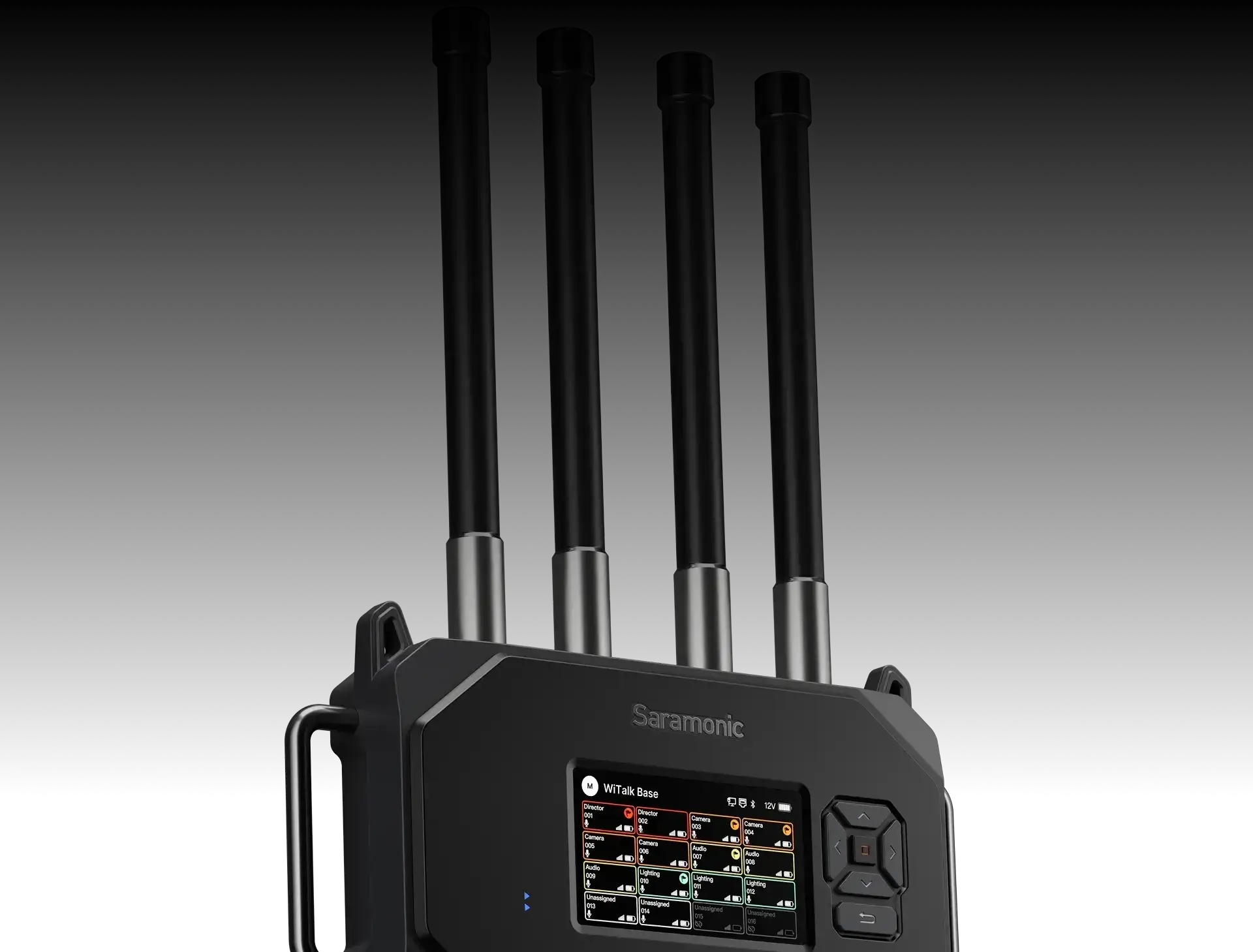
Operating on the 1.9 GHz DECT band, WiTalk Base pushes intercom range further, delivering a 700 m* radius that easily covers large studios, theaters, and outdoor stages. The 2 side antennas can be mounted horizontally to boost vertical signal coverage, ensuring stable performance even in RF-dense or obstructed environments.


* Data sourced from Saramonic Acoustic Labs. Actual range varies depending on site conditions and RF interference; typically 600–700 meters.
Compatibility

Work with
Your Existing System

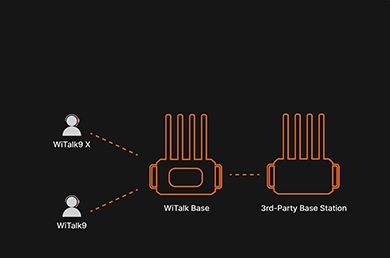
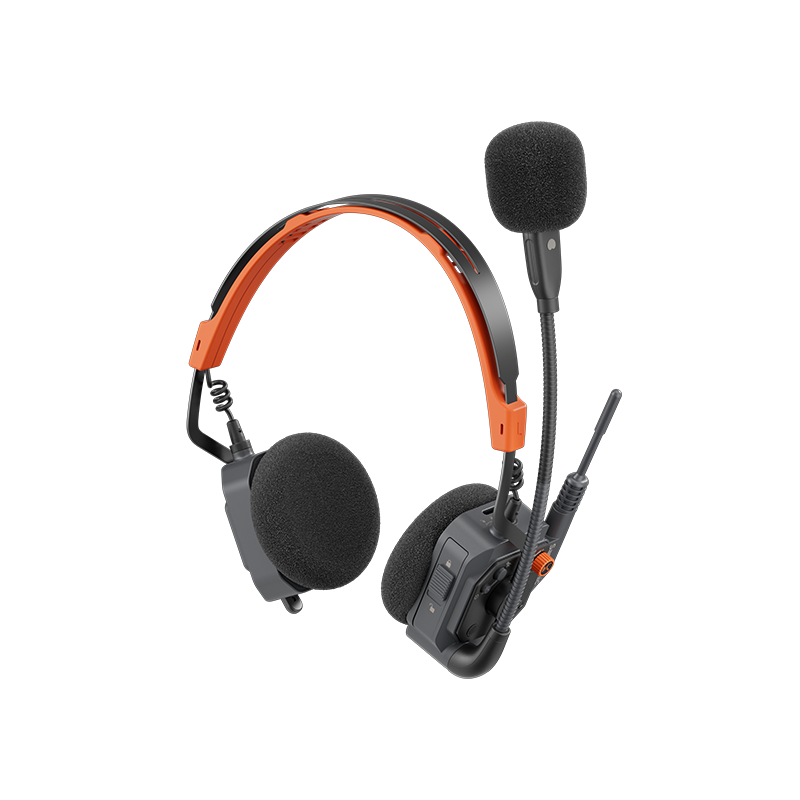
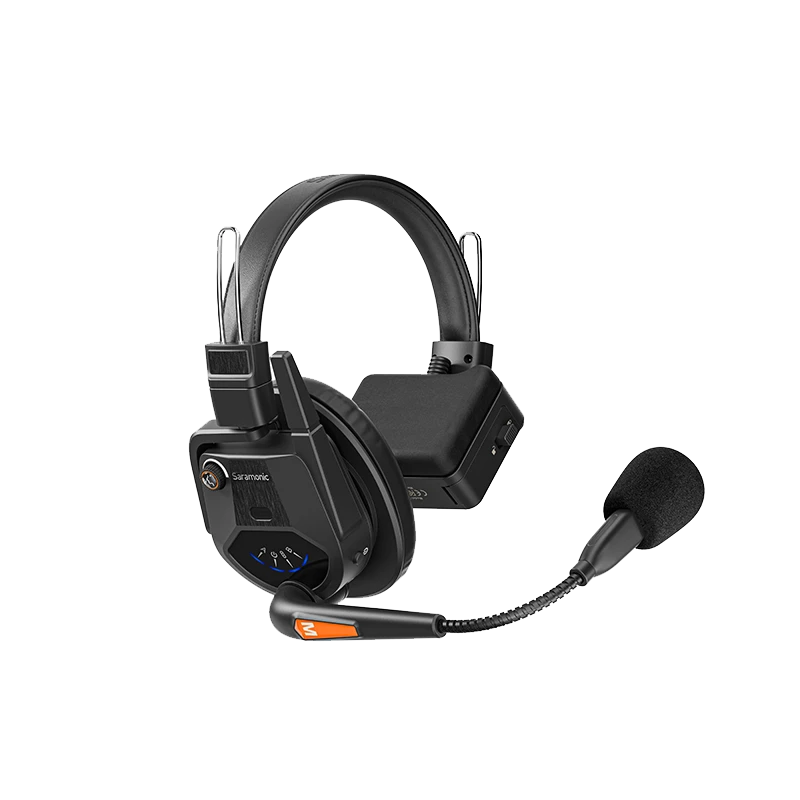
WiTalk Base supports mixed use of single-ear, dual-ear, and helmet-ready headsets from WiTalk9 X and WiTalk9, allowing teams to match headset styles to different roles. A 4-wire analog interface ensures seamless integration with leading intercom systems including Clear-Com, Riedel, RTS, Datavideo, and LaON, so you can deploy quickly and keep using your existing systems.

Connectivity

Cross-System.
Cross-Region.

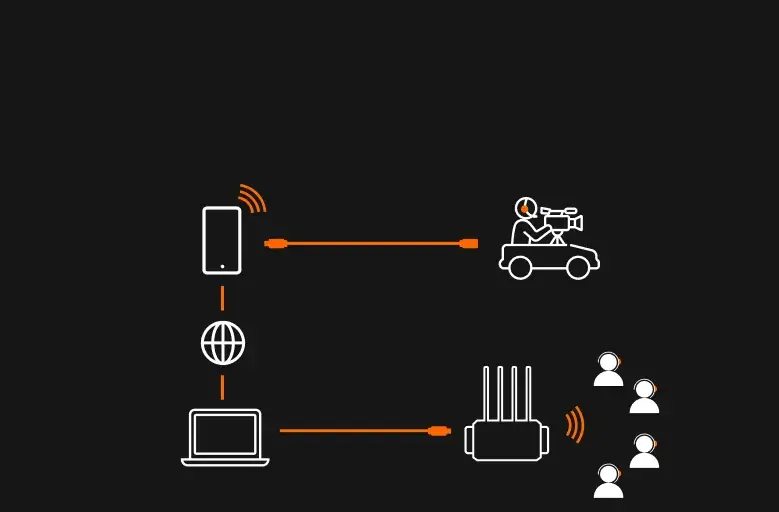
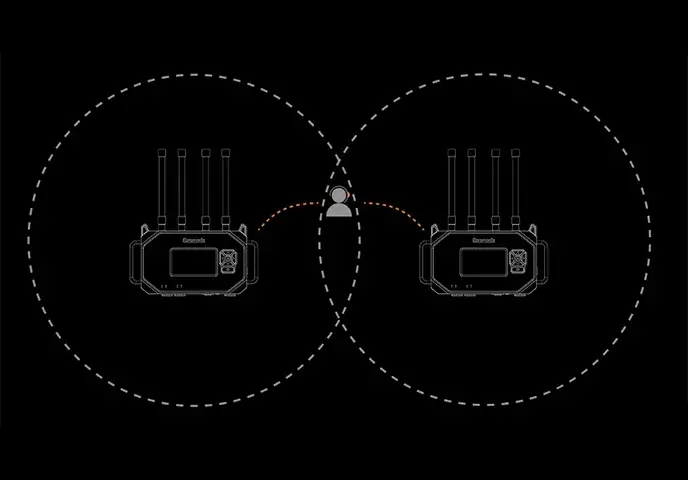
WiTalk Base handles remote coordination and on-site expansion so you can call the shots from the studio or across the country. The bottom panel covers all the essential connections with ultra-low latency.
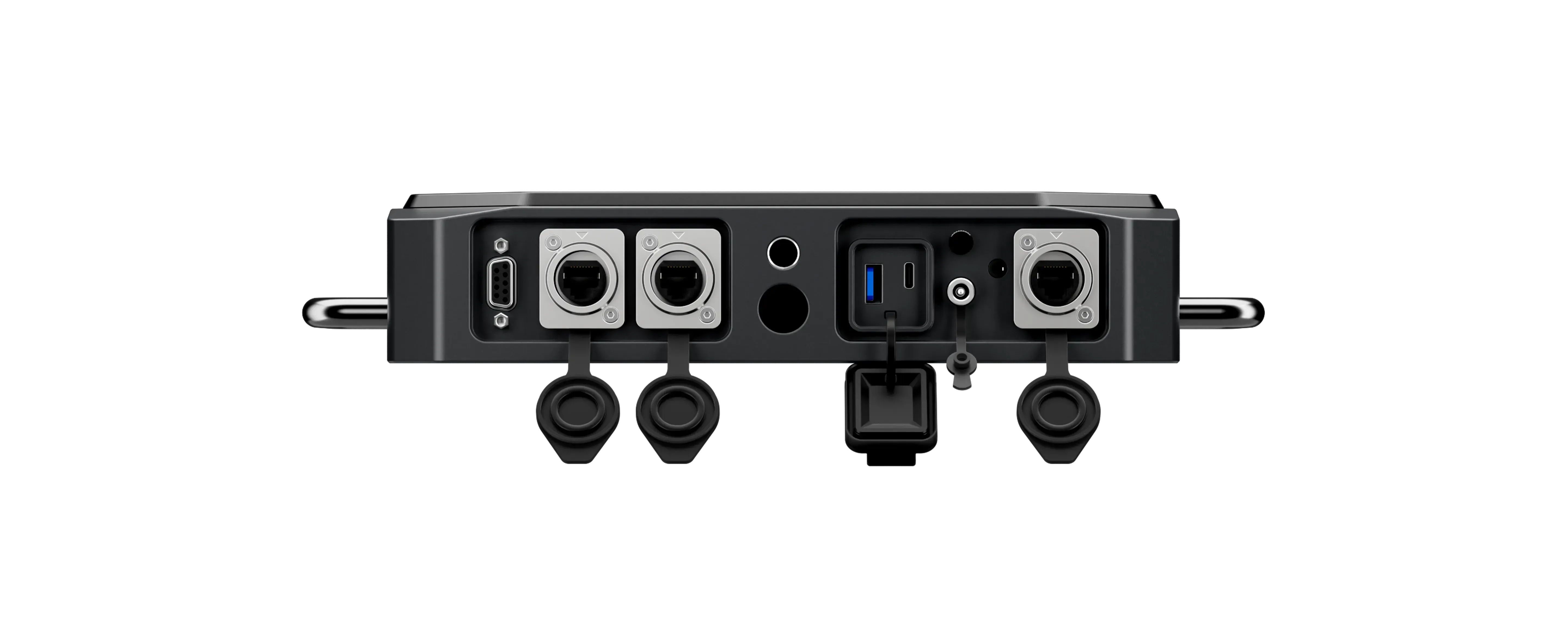
LAN
USB-C
3.5 mm I/O
4-Wire Analog
WiTalk Bases cascade via the LAN ports using standard CAT5e or CAT6 shielded Ethernet cables (≤100m recommended). If you need to cascade 3 or more bases, just add a cascade splitter — most standard models on the market will work.
USB-C connects directly to your computer, so you can bring remote team members into the conversation via Zoom, Teams, or other platforms.
3.5 mm I/O gives you flexible audio routing. It can also add a 17th wired headset, perfect for that one extra person who needs to join in.
4-wire analog interface works with most leading intercom systems, so you can integrate WiTalk Base into an existing setup without starting over.
Web & App

Centralized Control

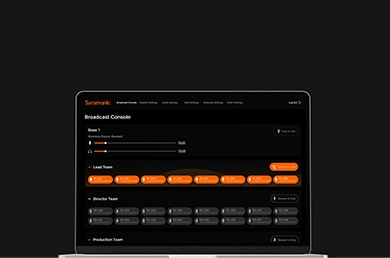
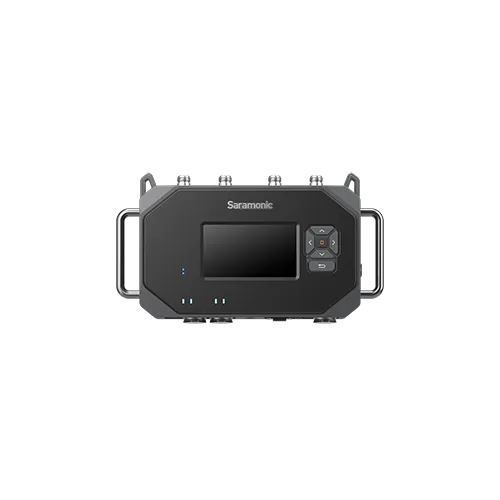
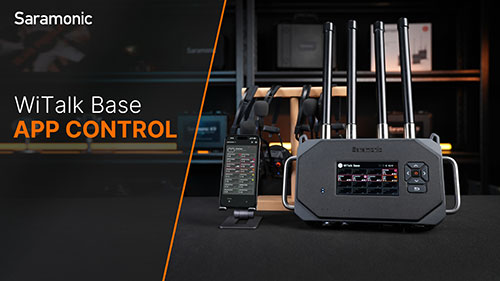
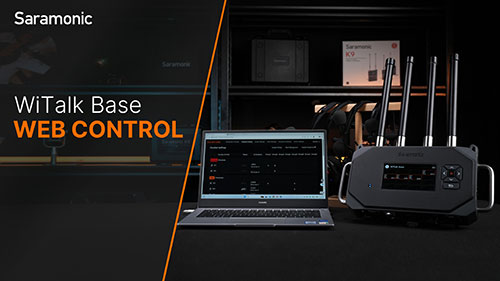
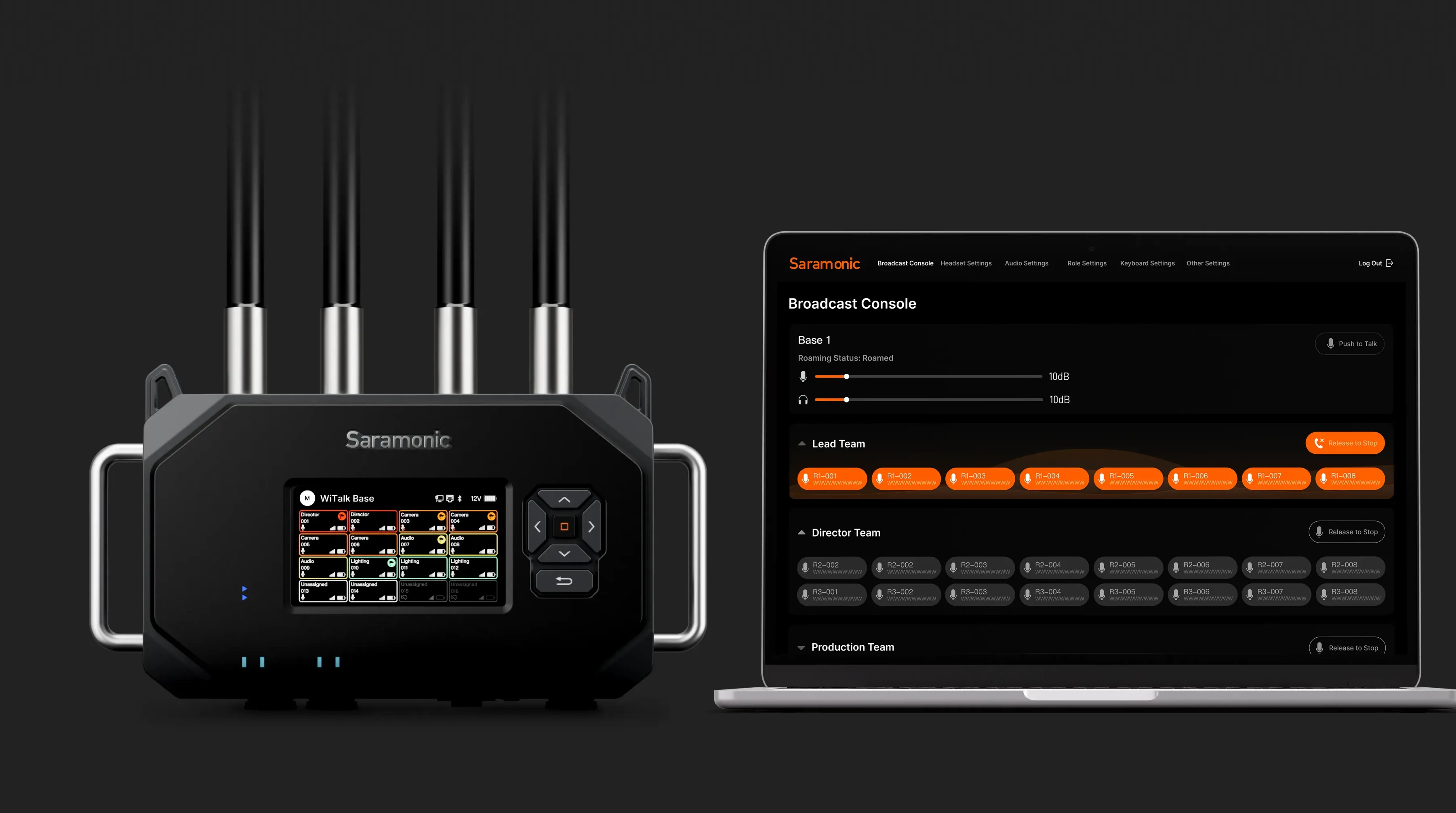
WiTalk Base delivers real-time management and instant on-site identification for efficient command. Web, mobile app, and PC interfaces enable system monitoring and quick configuration. The 5-inch high-resolution color display shows groups, battery, and signal strength at a glance even in bright sunlight.
Design

Rugged Industrial
Build

WiTalk Base features a magnesium alloy chassis for a professional, solid build.
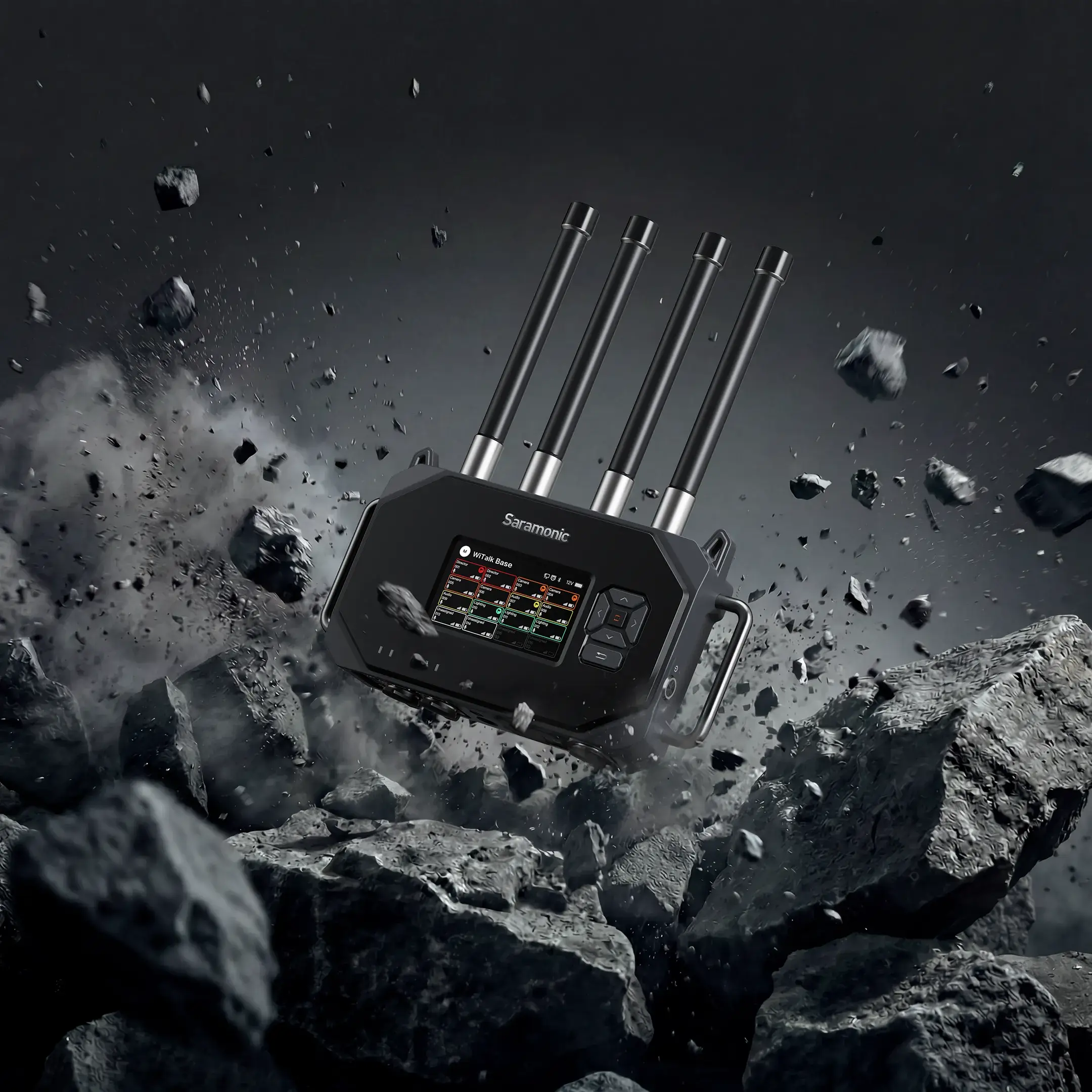
Superior structural rigidity — stronger than standard aluminum alloys
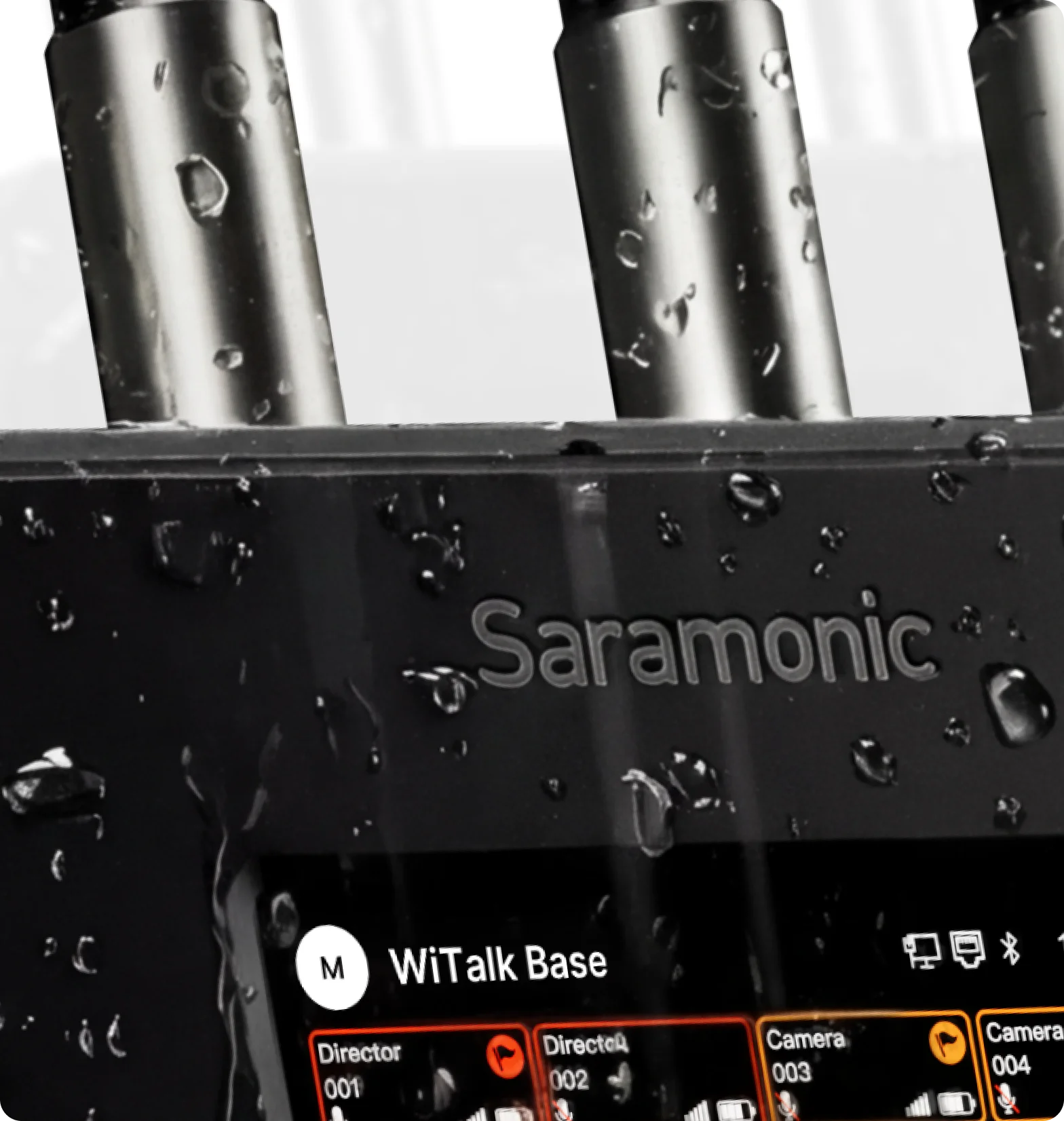
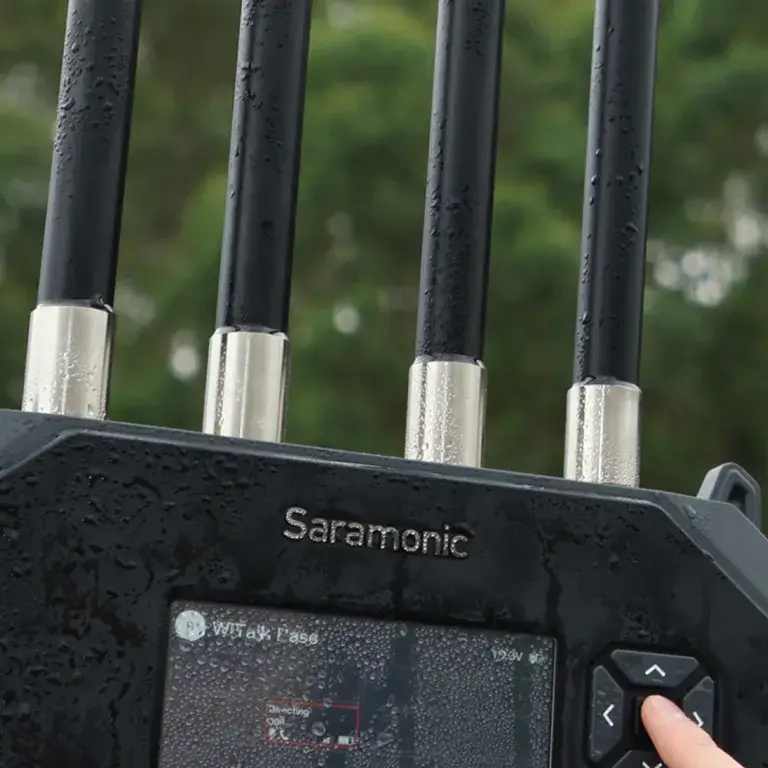
IP66 dust and water resistance — withstands rain, dust, and harsh indoor/outdoor conditions
Advanced thermal performance — maintains stability during prolonged high-load operation
Natural electromagnetic shielding — enhances wireless communication reliability
Become Our Dealer
A Gateway to Pro.
INQUIRY
Suggested Kits
Suggested Kits
Saramonic WiTalk Base
Wireless Intercom Base Station
INQUIRY
BUY NOW
WiTalk Base G
WiTalk Base G16
WiTalk Base V
WiTalk Base V16
WiTalk Base
× 1
WiTalk Base G-Mount
× 1
WiTalk Base Antenna
× 4
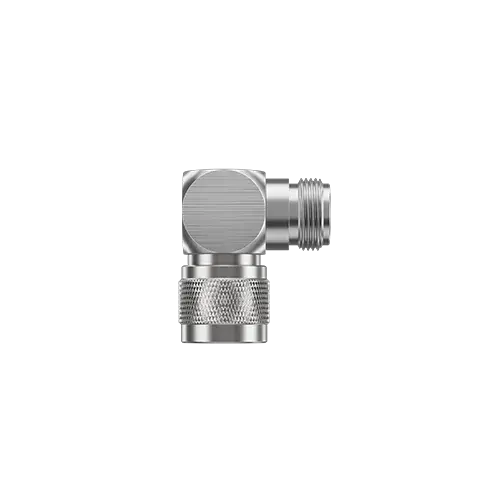
Right Angle N-Type Adapter
× 2
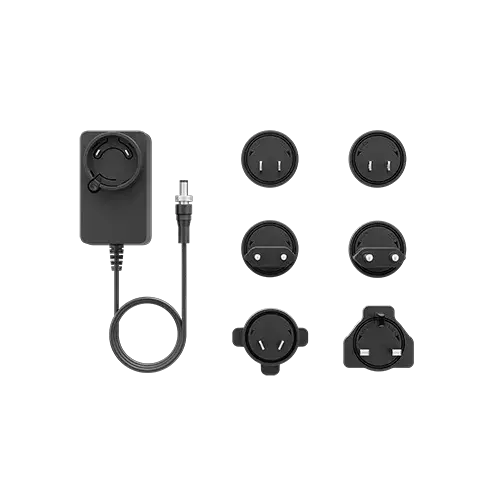
Charger for Charging Case
× 1
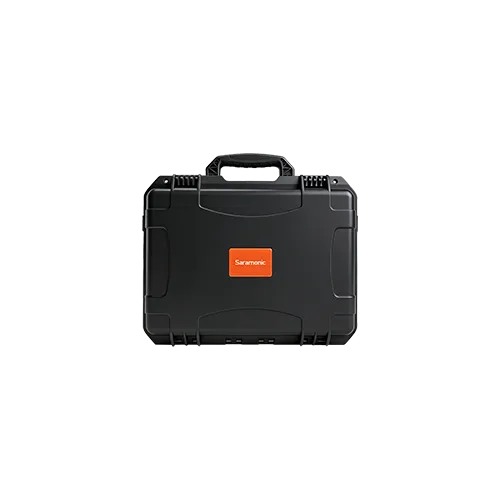
Carry-on Case
× 1
WiTalk Base
× 1
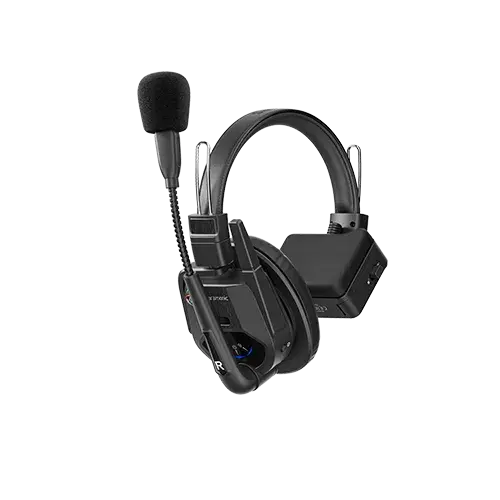
WiTalk9 Remote
× 16
WiTalk Base G-Mount
× 1
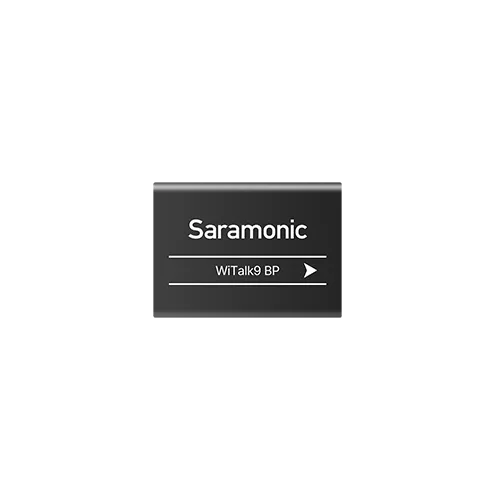
Battery
× 32
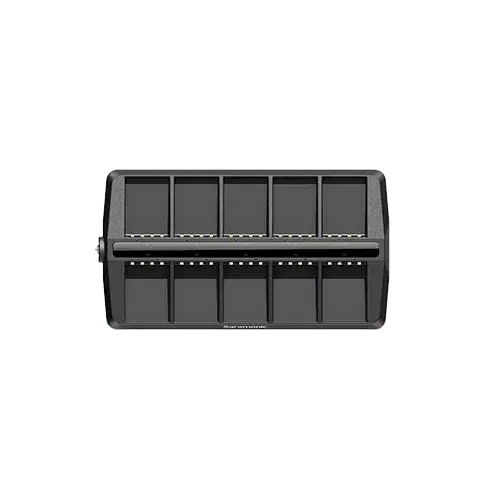
10-Slot Charging Case
× 2
Charger for Charging Case
× 2
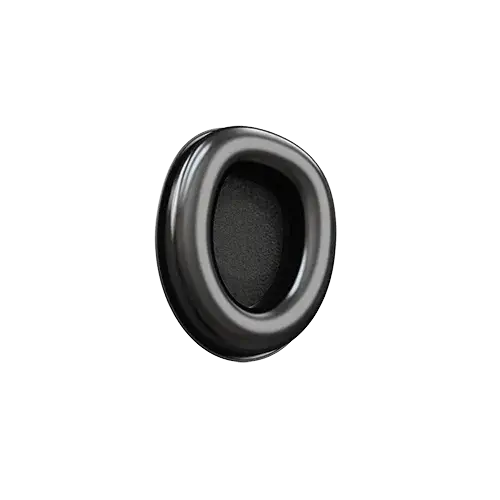
Cool-Gel Ear Cushion
× 16
On-Ear Foam Cushion
× 32
Temple Pad
× 16
Number Sticker Sheet
× 9
Foam Windscreen
× 16
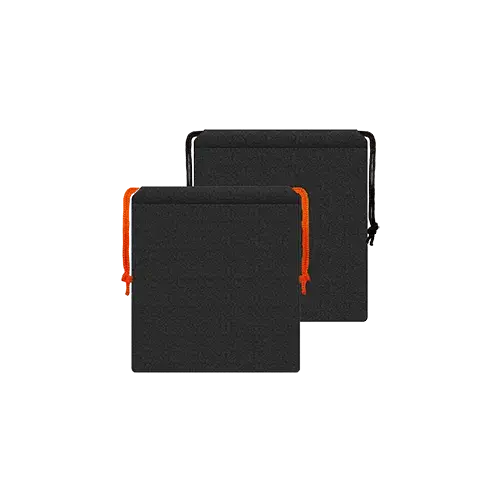
Drawstring Pouch for Headset
× 16
WiTalk Base Antenna
× 4
Right Angle N-Type Adapter
× 2
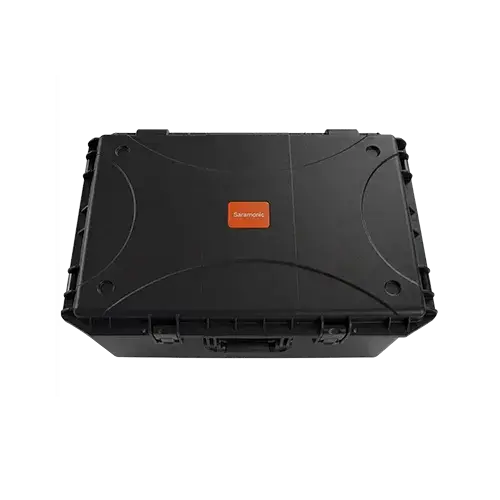
Rolling Case
× 1
WiTalk Base
× 1
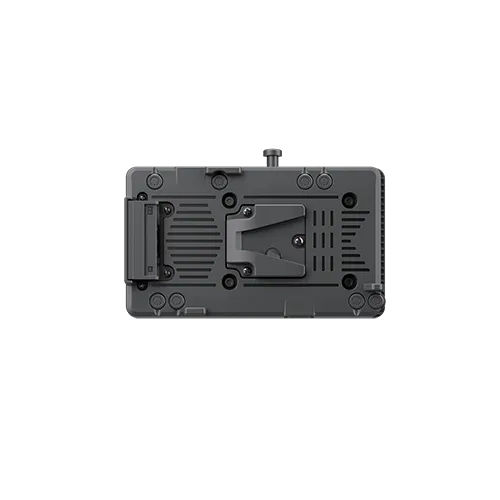
WiTalk Base V-Mount
× 1
WiTalk Base Antenna
× 4
Right Angle N-Type Adapter
× 2
Charger for Charging Case
× 1
Carry-on Case
× 1
WiTalk Base
× 1
WiTalk9 Remote
× 16
WiTalk Base V-Mount
× 1
Battery
× 32
10-Slot Charging Case
× 2
Charger for Charging Case
× 2
Cool-Gel Ear Cushion
× 16
On-Ear Foam Cushion
× 32
Temple Pad
× 16
Number Sticker Sheet
× 9
Foam Windscreen
× 16
Drawstring Pouch for Headset
× 16
WiTalk Base Antenna
× 4
Right Angle N-Type Adapter
× 2
Rolling Case
× 1
Q1
How many remote headsets can one Base connect to?
Supports up to 16 remote headsets, plus one additional wired headset via TRRS.
Q2
How do I know whether I need a G-mount or V-mount version?

The V-mount is globally compatible and suitable for most users.
The G-mount is for specific regions in the U.S. If you're unsure which one you need, we recommend contacting your sales representative or customer support for guidance.

Q3
How do I connect the Base via Ethernet or Wi-Fi?

Wired connection (Ethernet):

  • Connect your computer to the Base using an Ethernet cable. 
  • Open a browser and enter 192.168.2.1. 
  • Log in with your account and password.;

Wireless connection (Wi-Fi):

  • Disconnect your computer from any wired network.
  • Search for a Wi-Fi hotspot starting with “BASE” on your laptop. 
  • Enter the password: 12345678. 
  • Open a browser and go to 192.168.2.1, then log in. 
     
Q4
How can I reduce signal interference?

For optimal performance, place the Base at least 1.7 meters (5.6 ft) above the ground. 

Q5
Why does Base cascading fail?

Please check the following:
1. Use a CAT6 or higher Ethernet cable 
2. When connecting two Bases, link LAN2 to LAN2—do not cross-connect ports 
3. Set one Base as the Master and the other as the Remote 
4. For cascading more than two Bases, connect all LAN2 ports to a router

Q6
Can the WiTalk9 X and other WiTalk series headsets work with WiTalk Base?

WiTalk 5 and WiTalk9 SE is not compatible.

SPECs

Maximum Users 16 users
Operating Range 700 m
Grouping Capability 8 groups
Roaming
Optical Input
UAC (USB Audio Class)
Cascading
3rd-Party Interoperability 4-wire + UAC
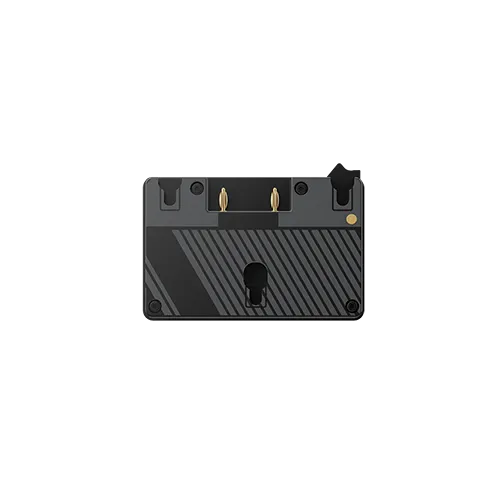
Power Supply DC / V-mount battery / G-mount battery
App Control Mobile app / PC Web
Waterproof / Windproof IP66
Dimensions 325 × 182 × 79 mm (with no antenna)
325 × 430 × 79 mm(with antennas)
Weight 1.96 kg
Mounting 5/8" + 3/8"
Saramonic WiTalk Base | Quick Start
Saramonic WiTalk Base | Power Supply
Saramonic WiTalk Base | Connect to WiTalk9 X
Saramonic WiTalk Base | Grouping
Saramonic WiTalk Base | App Control
Saramonic WiTalk Base | Web Control Tutorial
General
  • Frequency Band
  • Communication Range
  • Number of Channels
  • Cascading
  • Noise Cancellation
  • Frequency Response
  • Latency
  • Waterproof / Windproof
  • Remote Communication
  • App Control
  • Adaptive Frequency Hopping
  • Pull Up Mic Boom to Mute
  • One-click to Broadcast or PTT
  • Monitoring
  • Charging while Using
  • Decentralized Grouping
  • Weight
  • Material for Headset's Frame
  • Ear Cushions
  • Battery Life
WiTalk Base G
WiTalk Base G16
WiTalk Base V
WiTalk Base V16
WiTalk Base
× 1
WiTalk Base G-Mount
× 1
WiTalk Base Antenna
× 4
Right Angle N-Type Adapter
× 2
Charger for Charging Case
× 1
Carry-on Case
× 1
WiTalk Base
× 1
WiTalk9 Remote
× 16
WiTalk Base G-Mount
× 1
Battery
× 32
10-Slot Charging Case
× 2
Charger for Charging Case
× 2
Cool-Gel Ear Cushion
× 16
On-Ear Foam Cushion
× 32
Temple Pad
× 16
Number Sticker Sheet
× 9
Foam Windscreen
× 16
Drawstring Pouch for Headset
× 16
WiTalk Base Antenna
× 4
Right Angle N-Type Adapter
× 2
Rolling Case
× 1
WiTalk Base
× 1
WiTalk Base V-Mount
× 1
WiTalk Base Antenna
× 4
Right Angle N-Type Adapter
× 2
Charger for Charging Case
× 1
Carry-on Case
× 1
WiTalk Base
× 1
WiTalk9 Remote
× 16
WiTalk Base V-Mount
× 1
Battery
× 32
10-Slot Charging Case
× 2
Charger for Charging Case
× 2
Cool-Gel Ear Cushion
× 16
On-Ear Foam Cushion
× 32
Temple Pad
× 16
Number Sticker Sheet
× 9
Foam Windscreen
× 16
Drawstring Pouch for Headset
× 16
WiTalk Base Antenna
× 4
Right Angle N-Type Adapter
× 2
Rolling Case
× 1
User Manual
Firmware Update
WiTalk Base Firmware Update Package
Download
User Manual
WiTalk Base (English)
Download
User Manual
WiTalk Base (Chinese)
Download
Get exclusive offers and updates
By signing up, you agree to Saramonic's Privacy Policy and Terms of Use.
By signing up, you agree to Saramonic’s Privacy Policy and Terms of Use.