
In video production, live streaming, documentaries, and mobile content creation, the Lavalier Microphone (Lav Mic) has become the default solution for close-miked vocal capture.
However, most users shop based only on brand recognition, subjective sound tests, or simply following trends, neglecting the technical parameters that truly determine sound quality, stability, and usability. This guide provides an engineer's perspective, systematically analyzing the seven most critical technical specifications and offering practical thresholds and judgment methods for informed decision-making.
What is a Lavalier Mic?
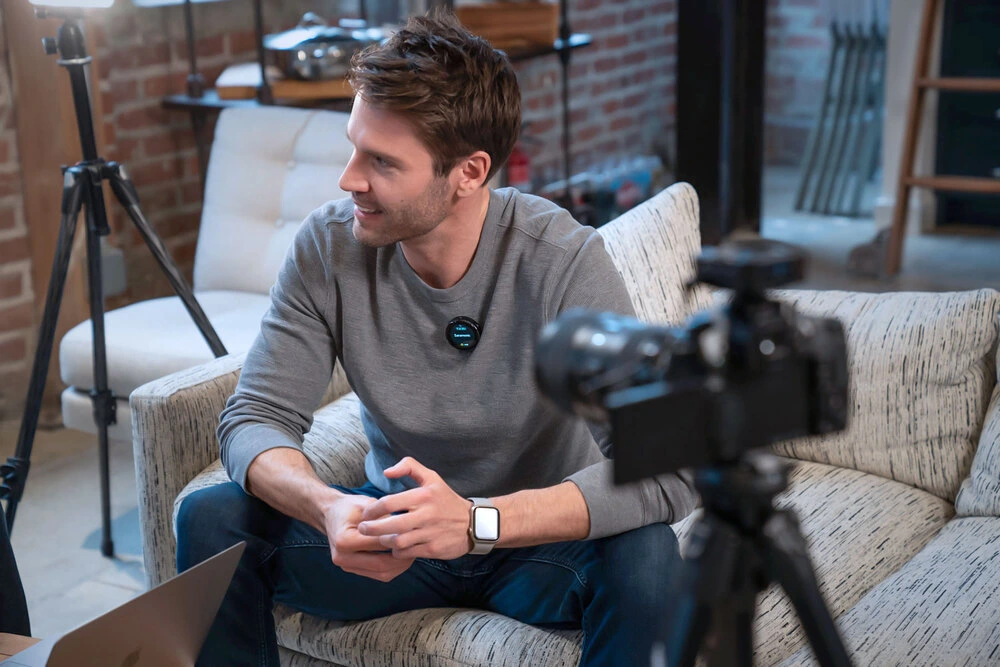
Lavalier microphones are small, concealable devices primarily used for close-range voice capture. They typically come in two categories:
- Wired Lavalier: Simple structure, low cost, minimal interference.
- Wireless Lavalier: Consists of a transmitter (TX) and receiver (RX), offering more flexibility but requiring robust transmission technology.
Common applications include Vlog recording, live streaming, street interviews, documentaries, and online meetings.
Overview of the Seven Key Parameters
Understanding these seven specs is essential for judging a mic's capability:
- Sensitivity: Determines the pickup volume and pre-amp matching.
- Frequency Response: Determines the sound quality and tonal characteristic.
- SNR / Equivalent Noise Level: Determines audio purity (low-noise performance).
- Polar Pattern: Determines the pickup strategy and noise rejection.
- AI Noise Reduction / AGC: Determines onboard sound processing.
- Wireless Transmission (Range, Band, Latency): Determines wireless reliability.
- Sample Rate and Bit Depth: Determines audio resolution and dynamic range.
Deep Dive into the Seven Core Specifications
1. Sensitivity — Determining Volume and Equipment Match
Sensitivity measures the mic's ability to convert sound pressure into an electrical signal, typically measured in dBV or dB (1V/Pa). The closer the value is to 0 (or the smaller the negative number), the higher the sensitivity.
Industry Standard Range (Lav Mics)
- -45dB to -30dB (Standard consumer range)
- -38dB (Ideal for close-mic'd speech, providing a full signal)
- -30dB (Extremely high sensitivity; prone to clipping or environmental noise)
Buying Logic
- Quiet Indoor Scenes: -42 ~ -38dB is the sweet spot for balanced vocal volume.
- Outdoor/Noisy Environments: Slightly lower sensitivity (around -45dB) helps reduce ambient noise input.
Compatibility Note
High sensitivity requires careful matching with your recorder's preamplifier (Preamp). High sensitivity + strong pre-amp → easily clips (distorts). Low sensitivity + noisy pre-amp → noise is amplified.
2. Frequency Response — Shaping the Tone
For close-mic'd speech, the mid-range (1–4kHz) clarity is the most crucial factor for a Lav mic.
Professional Assessment
- Flat Frequency Curve: Indicates natural, true-to-life sound reproduction.
- No Dip in Mid-Range (1–4kHz): Ensures speech intelligibility.
- Slight High-Frequency Boost (6–10kHz): Enhances brightness and sibilance clarity.
- Slight Low-Frequency Roll-off Below 100Hz: Reduces clothing rustle and proximity effect rumble.
Buying Tip
Focus on the shape of the frequency curve, not just the range. A 20Hz–20kHz range merely means "full bandwidth," not "good quality." The key is a non-scooped mid-range, appropriate high-frequency balance, and controlled low-end.
3. SNR and Equivalent Noise Level — Determining Audio Purity
These two specs directly measure the "cleanliness" (low self-noise) of the recording.
Signal-to-Noise Ratio (SNR)
- Higher is better.
- ≥ 70dB is considered excellent.
- 75–80dB is near-professional grade.
Equivalent Noise Level (Self-Noise/EIN)
- Lower is better.
- ≤ 25dBA is excellent.
- ≤ 20dBA is professional grade (extremely low self-noise).
Assessment Focus
High SNR + Low Self-Noise → cleaner audio. Lower noise floor allows for greater flexibility in post-production (compression and EQ won't amplify hiss).
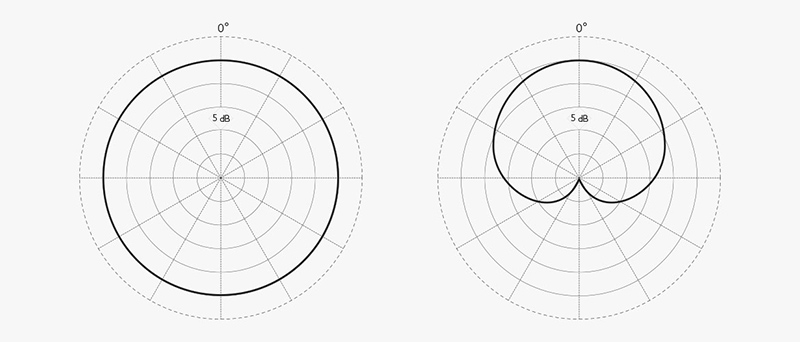
4. Polar Pattern — Defining the Pickup Strategy
The polar pattern defines the microphone's directionality, crucial for noise rejection in busy environments or flexibility in multi-person shoots.
- Omnidirectional (Omni):
- Picks up sound uniformly (360°).
- Most natural for close-mic'd speech and sound color remains stable when the subject moves.
- Most resistant to wind and handling noise.
- Recommended for: Multiple subjects, movement, interviews.
- Cardioid:
- Primarily picks up sound from the front, rejecting sound from the rear and sides.
- Best for noisy environments as it focuses on the speaker's voice.
- Recommended for: Single subject, high-noise environments.
If you want to dive deeper into the differences between various directional microphones in practical applications, you can refer to this guide on omnidirectional versus cardioid microphones.
5. AI Noise Reduction, AGC — Onboard Processing
Modern AI noise cancellation has evolved beyond basic filtering (like FFT) to DNN-based dynamic acoustic models.
DNNs models are trained on massive noise samples (e.g., 700,000 samples) to identify noise characteristics in real-time. This provides a more natural separation between voice and background, avoiding artifacts like the "underwater sound" or muffling of speech edges.
DNNs technology relies on deep learning models to autonomously establish acoustic features based on vast environmental noise samples, allowing for real-time dynamic judgment to significantly reduce ambient noise without damaging voice detail. Consumers need to discern true AI noise cancellation to ensure effective noise reduction.
Why High-End Systems Avoid AI Noise Reduction:
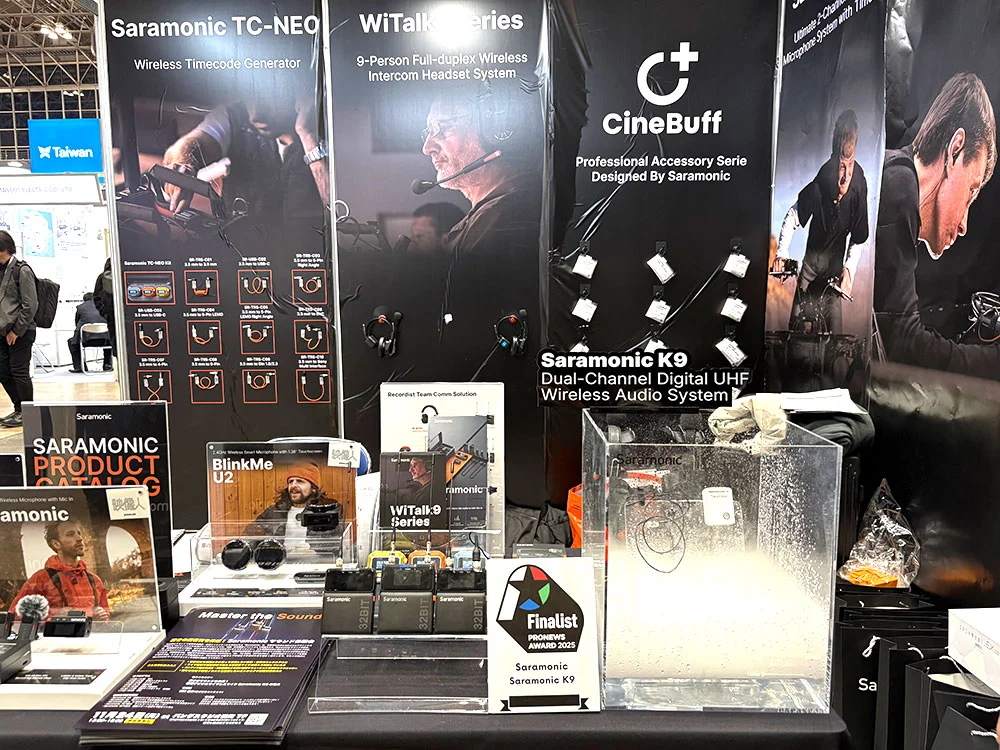
One thing we need know: professional-grade audio equipment (e.g., Saramonic K9, cinema audio link) typically omits AI noise reduction at the recording stage. This is a deliberate choice: professional workflow prioritizes capturing clean, unmodified Raw audio because AI/DSP processing alters the original waveform. This modification can limit the sound engineer's flexibility during post-production EQ and compression. Many pro audio experts avoid active noise cancellation to preserve maximum post-processing latitude.
AGC (Automatic Gain Control)
Suitable for beginners or light tasks without post-production. However, it causes uneven volume (e.g., compressed laughter). Manual gain is preferred for professional use.
6. Wireless Transmission — Ensuring Stability
Band
2.4GHz digital transmission is the current standard. Stability relies on anti-interference algorithms and frequency-hopping strategies.
Transmission Range
- Consumer Grade: 20–50m
- Prosumer: 50–150m
- High-End Pro Systems: 200–300m (Represents top-tier performance)
Latency
Latency (the delay between speaking and signal arrival) is the critical spec for lip-sync.
- ≤ 20ms is the basic requirement (does not affect lip-sync).
- < 10ms is excellent.
- < 5ms is high-end (closer to professional monitoring links).
7. Sample Rate and Bit Depth — Determining Resolution
Industry Standard
48kHz / 24-bit is the professional standard for video and broadcast, offering greater dynamic range and higher detail fidelity.
32-bit Float Recording
Increasingly common in professional wireless Lav mics. Its core advantage is the ability to never clip (overload) digitally, accommodating extreme dynamic range without distortion, offering massive flexibility for post-production level adjustments. High-end models like the Saramonic Ultra wireless system now feature this capability.
Quick Specs Table
| Parameter | Ideal Value / Pro Standard | Key Significance |
|---|---|---|
| Sensitivity | -42 ~ -38dB | Full vocal volume, easy to drive |
| Frequency Response | Look at "curve shape" | Determines tonal neutrality and clarity |
| SNR | ≥ 70dB | Clean sound, low noise floor |
| Equivalent Noise Level | ≤ 25dBA | Reflects inherent mic noise |
| Polar Pattern | Omni / Cardioid | Defines pickup and rejection strategy |
| Latency | ≤ 20ms (Ideal < 10ms) | Ensures audio/video sync |
| Range | 50m (Consumer) ~ 300m (Pro) | Determines wireless freedom |
| Sample Rate / Bit Depth | 48kHz / 24-bit | Professional recording standard |
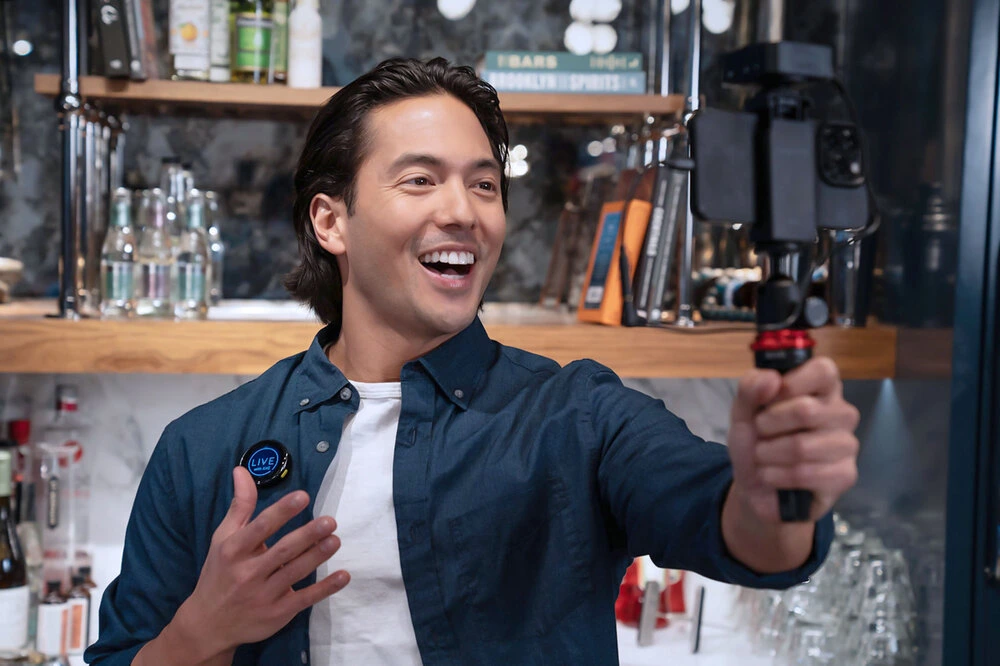
Buying Tips and Scenario Configuration
| Scenario | Core Need | Priority Specs | Recommended Configuration |
|---|---|---|---|
| Vlog / Single Live Stream | Portability, Noise Reduction, Clarity | Cardioid or Omni, AI/DNNs, Battery Life | Single TX / Single RX Set |
| Interviews / Dual Streaming | Simultaneous capture of two voices | Transmission Stability, Dual Channel, SNR | Dual TX / Single RX Set |
| Outdoors / Event Space | Anti-Interference, Wind Noise Resistance | Long-range, Anti-Interference Hopping, Windscreen | High SNR, High Battery Life, Secure Metal Clip |
Three Key Considerations Beyond Specs
- Interface Compatibility: Differentiate between TRS (Camera) vs TRRS (Mobile Phone) and ensure USB-C / Lightning digital compatibility.
- Battery Life: Single TX ≥ 6 hours; Total runtime with charging case ≥ 20 hours.
- Wearing Reliability: Clip strength, mic weight, and anti-friction noise design.
Conclusion
Whether you are a Vlogger, content creator, media producer, or part of a filmmaking crew, understanding the core Lav mic specifications will directly improve your sound quality and reduce trial-and-error costs.
Master the seven indicators in this guide to quickly assess any product's true capability and make the optimal purchasing decision for your production needs. Check out Saramonic microphone list.
To learn more about the latest news from Saramonic, join in our official social media: Facebook, Youtube, Instagram, X, Facebook Group.
Frequently Asked Questions
Why does my wireless Lav mic suffer from dropouts or cutouts during recording?
This is typically an issue of unstable wireless transmission, often caused by:
- Exceeding the Effective Range: Obstructions (walls, body) or strong interference sources (WiFi routers, other 2.4GHz devices) drastically reduce the actual usable distance.
- Band Congestion: In high-density areas (malls, large events), interference can overwhelm even advanced frequency-hopping systems.
- Low Battery: Signal strength and stability degrade rapidly when the TX or RX unit's power is low.
Tip: For critical recordings, keep the receiver and transmitter in line of sight and ensure batteries are fully charged.
Should I choose a TRS interface or a USB-C/Lightning interface mic?
If your primary device is a smartphone or tablet, choose the digital interface (USB-C or Lightning).
- Digital Advantage: The mic's receiver bypasses the phone's often inferior analog input circuitry and preamplifier, using its own high-quality DAC instead. This ensures better sound quality stability and noise floor control.
- TRS/TRRS Limitation: Analog signals are susceptible to interference from the device's internal circuits, and sound quality is capped by the device's built-in pre-amp quality.
How do I eliminate clothing rustle noise (low-frequency rumble)?
Clothing rustle is the most common noise with Lav mics. Omni-directional mics are sensitive to low-frequency vibrations from all directions.
Solutions:
- Optimal Placement: Avoid clipping the mic to high-friction areas like collars. Attempt to clip the mic inside the clothing or use a professional furry windscreen, and secure the cable inside the garment with tape (like medical tape) to minimize cable-to-fabric friction. For more advanced placement strategies, check out these 5 Lav hiding hacks for clean location sound.
- Low-Cut Filter: If the mic or recorder supports it, engage the low-cut filter at 80Hz or 100Hz. This effectively eliminates low-frequency rumble and proximity effect without impacting core vocal clarity.
Why do audio professionals prefer manual gain over AGC?
AGC is convenient but constantly adjusts amplification based on input volume, leading to unnatural-sounding dynamics.
- Manual Gain: Allows the engineer to set a stable "safe zone" level before recording, preserving the maximum dynamic range. This is crucial for precise post-production processing (compression and EQ).
- AGC Issue: When you speak loudly, AGC instantly lowers the gain; when you go quiet, AGC instantly raises the gain, amplifying the noise floor along with the signal. This significantly complicates professional post-production.
.jpg)