
💡 Key Takeaways
- AI-Powered Audio Cleaning: The dual-mode AI noise cancellation effectively identifies and strips away ambient white noise, making it a "save-the-day" tool for non-professional recording environments.
- Software-Defined Sound Quality: Advanced features like EQ presets and Safety Track are deeply integrated into the Saramonic App, allowing users to compensate for the "muffled" high-end typical of budget mobile mics.
- Compatible with Multiple Devices: It can be used with smartphones (USB-C or Lightning), computers, and mainstream action cameras, including DJI Pocket 3, Osmo Action 3/4/5 Pro/6, Osmo 360, and Insta360 X4 Air, X5, Ace Pro 2, GO Ultra.
- Creative Versatility with Magnetic Mounting: The ultra-strong magnetic system allows for unique setups, including binaural recording and "invisible" lavalier placement.
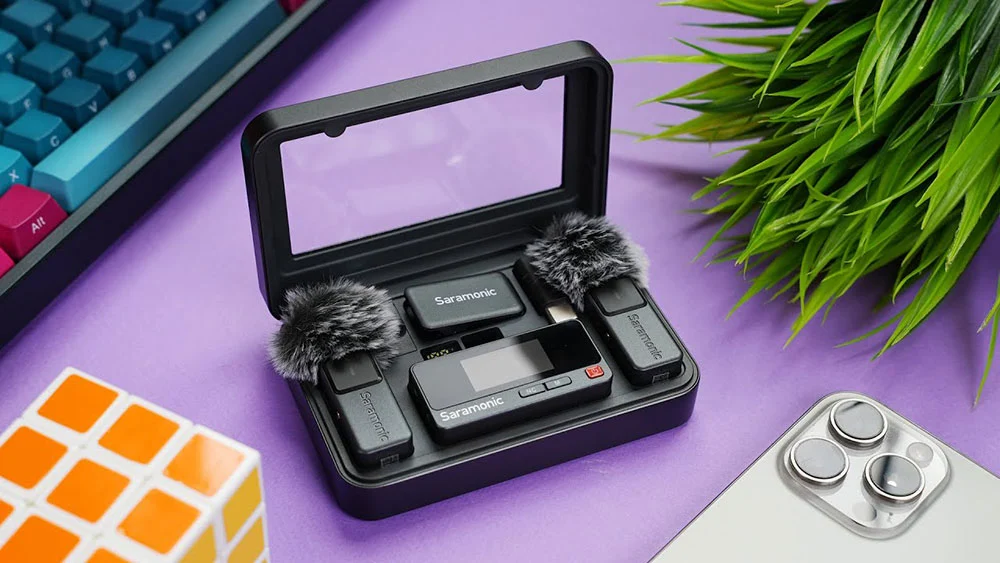
In the hyper-competitive world of mobile content creation, audio quality is the invisible line between an amateur video and a professional production. Saramonic has recently launched the Air SE, a specialized wireless microphone system designed specifically to bridge this gap for smartphone users.
Industry expert Booth Junkie recently conducted an in-depth field test of this plug-and-play wireless microphone system. His analysis suggests that while the Air SE is positioned as an entry-level device, its integration of AI noise cancellation and flexible EQ presets makes it a formidable contender for creators looking to upgrade their smartphone audio without a steep learning curve.
AI Noise Cancellation: Clarity in the Midst of Chaos
In non-ideal recording environments, the Air SE’s AI-based noise reduction is the fastest way to save a recording from background clutter.
The microphone provides two distinct levels of noise reduction: "Strong" and "Weak". In real-world tests involving high-decibel white noise, Booth Junkie noted that the Strong mode could make the background "almost completely silent".
Technical Insight: What is AI Noise Reduction? Unlike traditional frequency filters that simply cut out certain bass or treble ranges, AI noise cancellation uses algorithms to recognize the unique characteristics of the human voice and separate them from non-vocal wave patterns.
This means you can record a clean interview in a crowded cafe or on a busy street with significantly less post-production work. However, in extreme noise, the "Strong" setting can cause slight "phasiness" or voice distortion, so "Weak" is recommended for preserving natural room ambience. For creators seeking pro-level results, understanding the Signal-to-Noise Ratio (SNR) is essential for mastering these settings.
Professional Filters and Scenarios: Mastering Low-Cut and EQ
Proper frequency adjustment is the secret to eliminating "muddy" audio and giving mobile recordings a high-end texture.
Booth Junkie provided specific tactical advice for using the Air SE’s Low-Cut and EQ presets to fix the "muffled" sound inherent in many mobile devices:
- 150Hz Low-Cut (High Pass Filter): Best used in windy outdoor environments or high-vibration areas. It blocks low-frequency interference (like heavy wind) that would otherwise cause audio "rumble" or clipping. Booth Junkie recommends using the physical "deadcat" windscreen first, only activating the 150Hz filter if the wind noise persists.
- 75Hz Low-Cut: Ideal for indoor or quiet outdoor settings. This setting removes air conditioner hum, distant traffic, or furnace rumble without making the human voice sound too thin.
- EQ Presets (High Boost): To counter the "dark" or "muffled" default profile, Booth Junkie suggests using the High Boost setting in controlled studio environments. This significantly improves clarity and brightness, making the voice stand out more. The Vocal Boost mode further optimizes the 80Hz–10kHz range to ensure voices punch through complex audio backgrounds.
Recommended Settings by Scenario
| Scenario | Noise Reduction / EQ Setting | Tactical Goal |
|---|---|---|
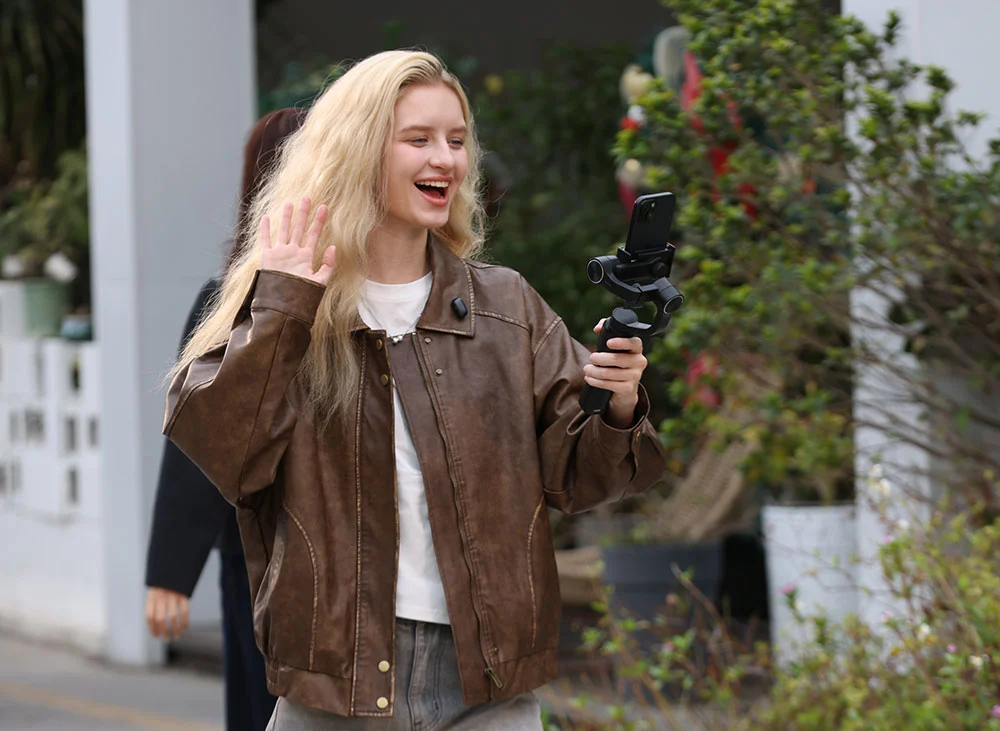
| Outdoor Street Interview | Strong NR + 150Hz Low-Cut | Use windscreen; Ensure vocal intelligibility |
| Indoor Studio / Talking Head | NR Off + High Boost | Set Gain to Level 4; Aim for high-definition detail |
| Cafe / Daily Vlog | Weak NR + 75Hz Low-Cut | Use lavalier clip; Balance ambience and vocal |
| ASMR / Field Recording | All Processing Off + Stereo | Enable Safety Track to prevent sudden clipping |
Creative Flexibility: The Power of Magnetic Mounting
The strong magnetic attachment system is more than just a storage convenience; it enables entirely new recording perspectives.
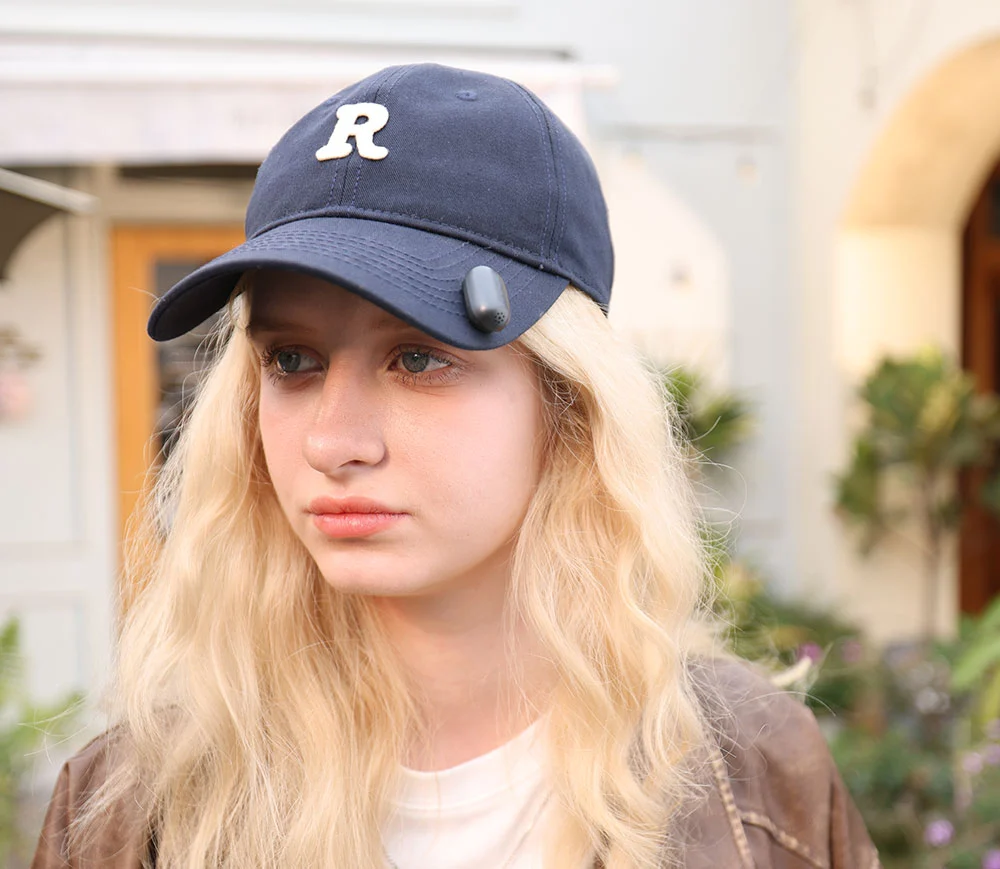
The Air SE transmitters are incredibly lightweight and equipped with powerful magnets. Beyond standard lapel clipping, Booth Junkie demonstrated a creative "binaural" setup by magnetically attaching a mic to each side of a hat. By switching the app to "Stereo" mode, this creates an immersive 3D audio experience.
This setup is perfect for travel vloggers who want to capture the spatial ambience of a city or a forest while keeping the hardware nearly invisible to the viewer.
Saramonic App: The Mobile Mixing Console
The Saramonic App transforms a simple receiver into a professional audio interface, unlocking the hardware's full potential.
Key professional features accessible only through the app include:
- Gain Management: Users can adjust input sensitivity in real-time. Booth Junkie recommends a default Gain of Level 4—lower it for loud environments to prevent clipping, and raise it for quiet areas.
- Safety Track: This "insurance policy" records a second track at a lower volume (-6dB). If the speaker suddenly shouts and "pops" the main track, the safety track remains usable.
- TX Light Control: You can remotely turn off the transmitter's LED lights to prevent distracting flashes on camera.
Final Verdict: It is the Saramonic Air SE Worth It?
The Saramonic Air SE isn't trying to be a "studio-grade" audiophile tool; it is a high-utility device designed for "getting usable sound as fast as possible in the most complex environments".
You should buy the Air SE if:
- You Vlog with an iPhone/Android: You need a plug-and-play solution that is significantly better than built-in phone mics.
- You do Field Interviews: You frequently work in uncontrolled, noisy environments like trade shows or busy streets.
- You Live Stream: You need a lightweight setup where you can adjust sound profiles on the fly via an app.
If your workflow goes beyond mobile creation:
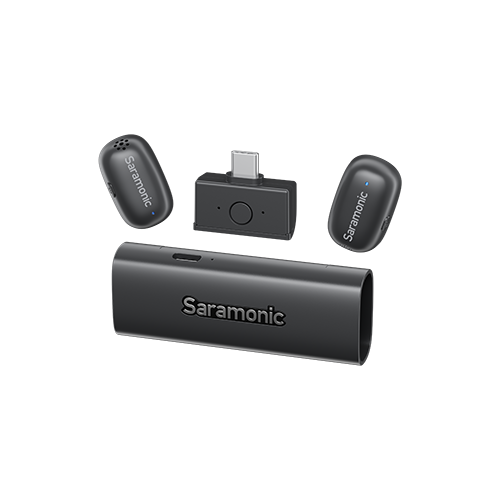
For cameras and multi-device setups: Saramonic Air SE is designed primarily for smartphones and mobile creators. If you need broader compatibility with DSLRs, mirrorless cameras, or hybrid workflows, the Saramonic Air offers a more flexible ecosystem with expanded connectivity options and more advanced recording controls.
For professional production environments: If your projects require features like 32-bit float onboard recording, timecode synchronization, or higher-level production flexibility, the Saramonic Ultra is a better fit for filmmakers, documentary creators, and professional audio workflows.
If you’re ready to find the right fit, explore Saramonic’s full range of wireless microphone solutions—from beginner-friendly options to professional production systems.
To learn more about the latest news from Saramonic, join in our official social media: Facebook, Youtube, Instagram, X, Facebook Group.
FAQ
What does the "Safety Track" feature do?
Safety Track records two audio channels simultaneously: one at a normal volume and one at a reduced volume (usually -6dB). This ensures that if the main audio "clips" or distorts due to a sudden loud noise, you have a clean backup.
Why does my voice sound muffled on the default setting?
The default "Original" profile is tuned slightly dark. Using the High Boost setting in the Saramonic App will significantly improve voice clarity and brightness for most users.
Does the AI Noise Cancellation lower audio quality?
Yes, slightly. At the "Strong" setting, the algorithm may strip away some vocal nuances. It is best to use "Weak" for standard videos and reserve "Strong" for extremely noisy environments.